Server-rendered Vue apps, recognised from nuxt.config.
SolutionsNode apps
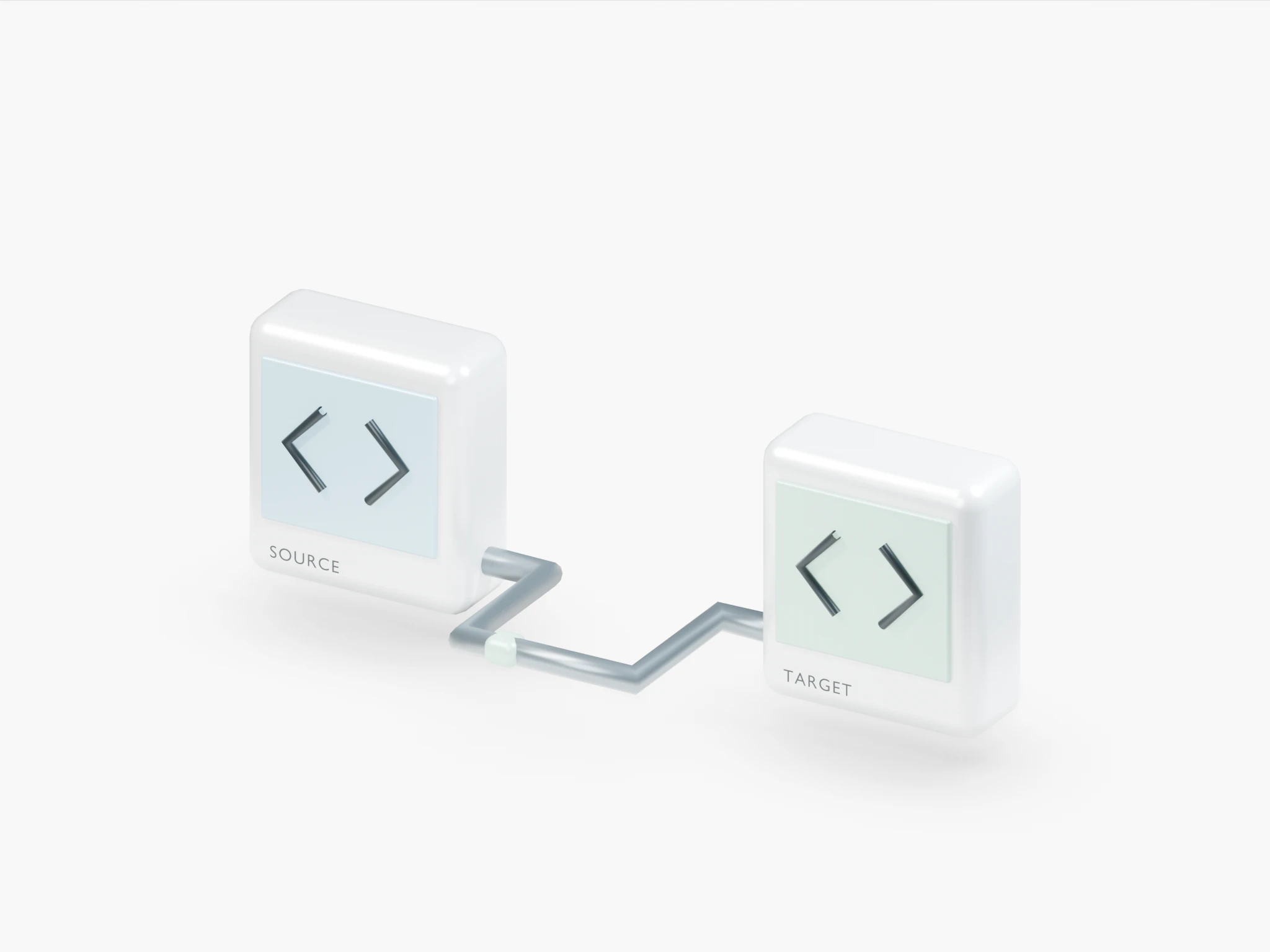
Connect a GitHub, GitLab or Bitbucket repository. Nuvlo works out how to build your Nuxt, Next.js or Node app, runs it on a server in your own cloud account and puts it online with HTTPS.
fold-lighting / main
$ git push origin main
- Repository connected
- Dependencies installed
- Production build complete
- Release is live
Deployed. Ready for the world.

From a Git push to a live site.Illustrative deployment
Framework, package manager and app folder are detected from the files in your repository, including monorepos.
- app/
- nuxt.config.ts
- package.json
- pnpm-lock.yaml
- Framework
- Nuxt
- Package manager
- pnpm
- App directory
/- Build
pnpm run build
The same options and steps as the dashboard: repository access, automatic deploys, build, start and the domain.
- Creating site
- Connecting the repository
- Turning on automatic deploys
- Cloning repository
- Preparing the cache
- Installing dependencies
- Building application
- Starting application
- Connecting the domain
- Finishing up
- Choose the options and press Create site.
React apps with server rendering and API routes.
Full-stack React with loaders and actions, served as a Node app.
Svelte apps that run their own Node server.
Content sites with server-rendered pages.
APIs and backends on the classic Node framework.
Lightweight APIs on Node, including inside monorepos.
Pick “Other” and give the build and start commands yourself.
01 · Deploys
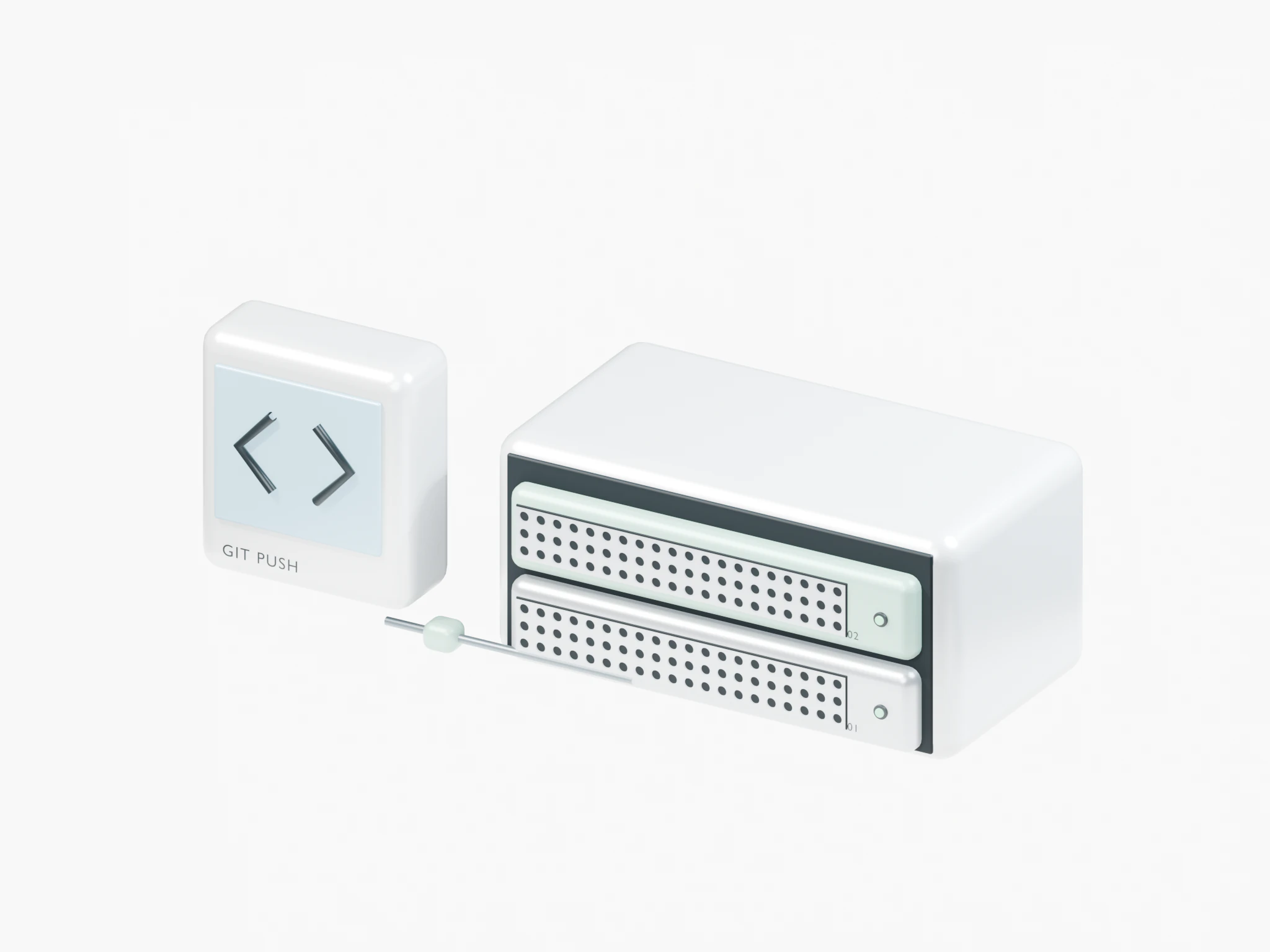
Every push is a new release.
GitHub pushes deploy through a webhook Nuvlo adds for you. GitLab and Bitbucket call the site’s deploy hook from their pipeline.
02 · Rollback
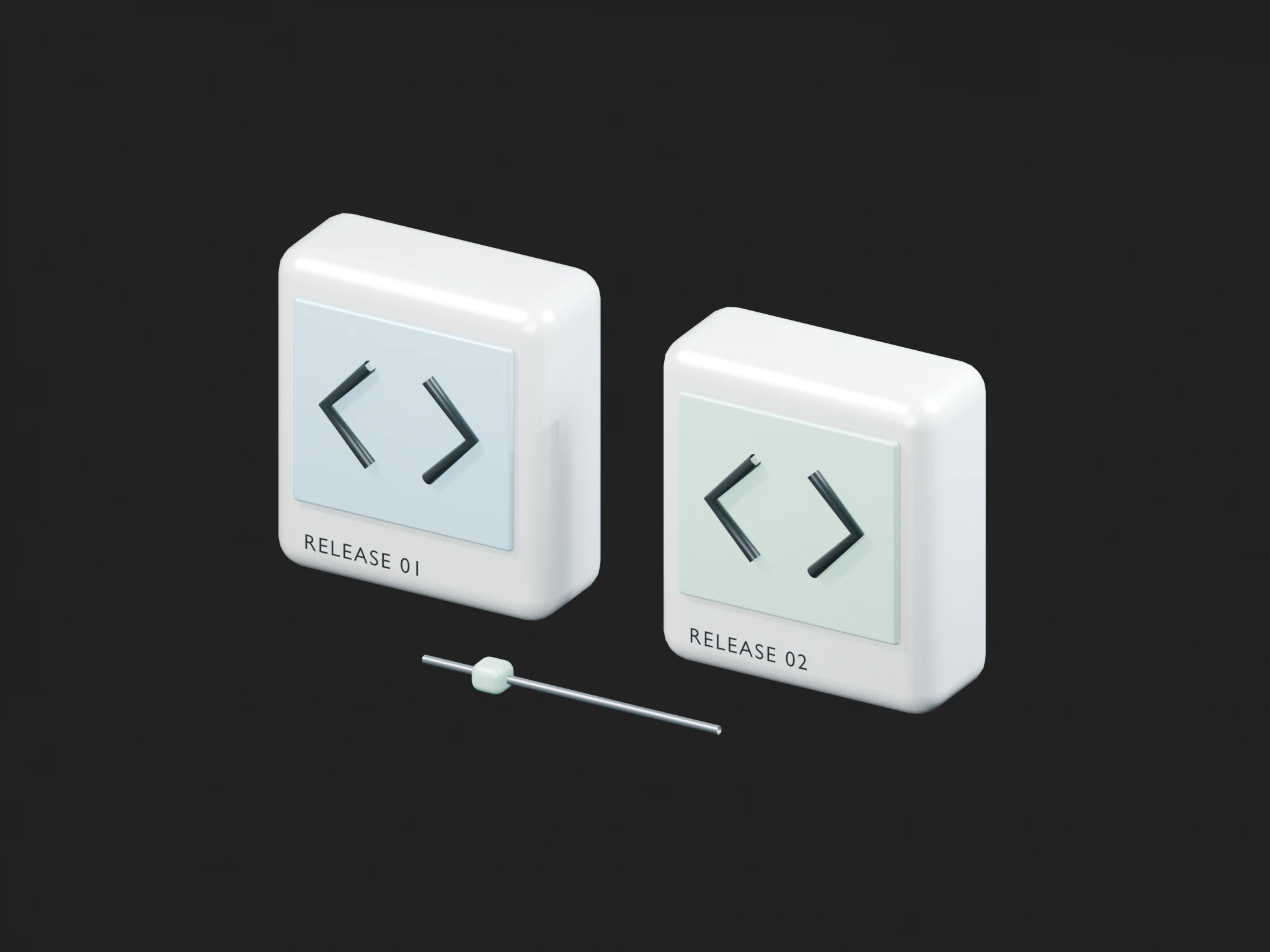
A bad release doesn’t stay live.
A failed build never goes live. If a new release fails its health check, the previous one is restored, and older releases are one click away.
03 · Settings
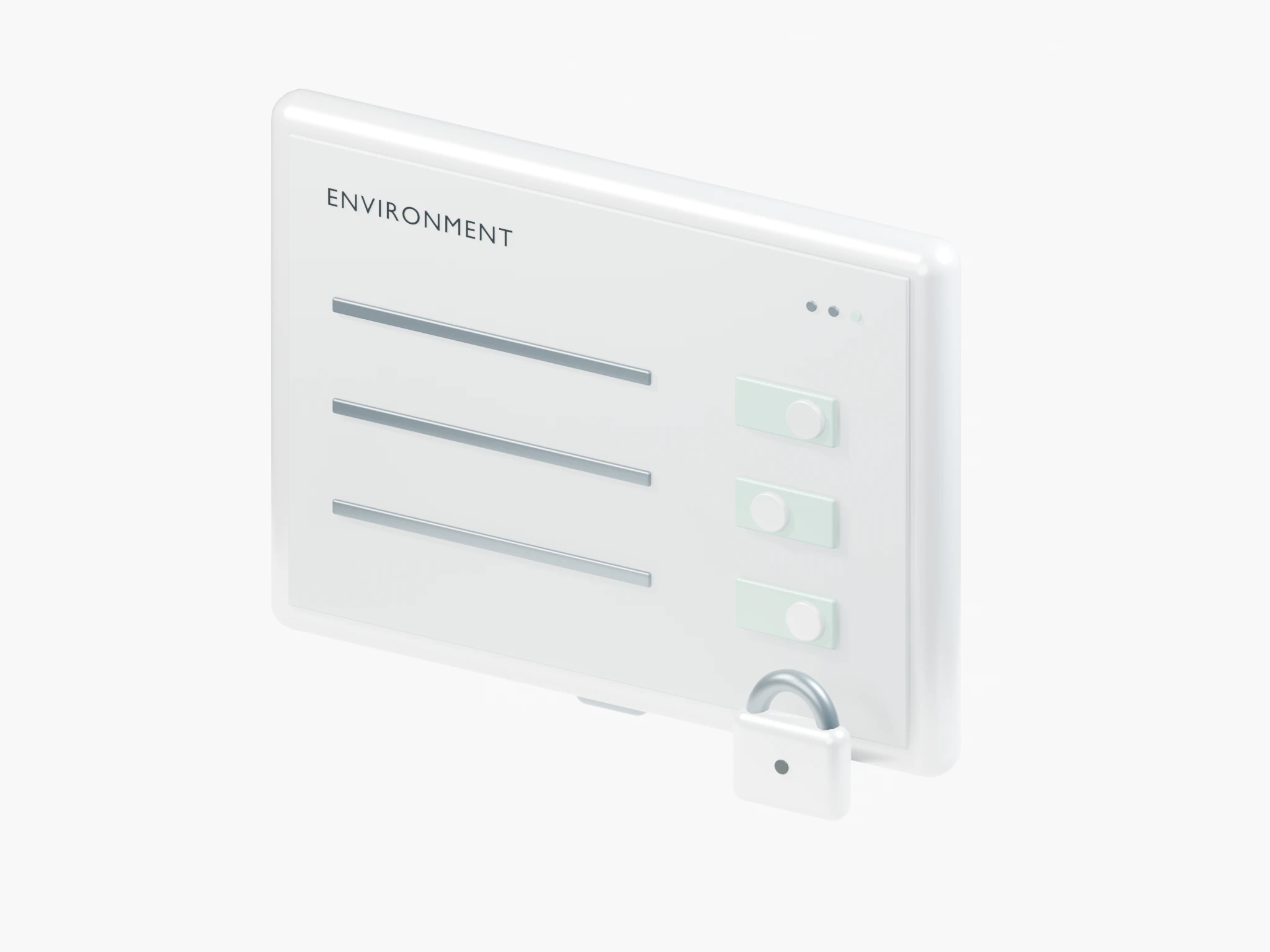
Variables, branches, folders.
Edit environment variables on the site page, switch the tracked branch, and keep upload folders between releases so a deploy never wipes them.
04 · Logs
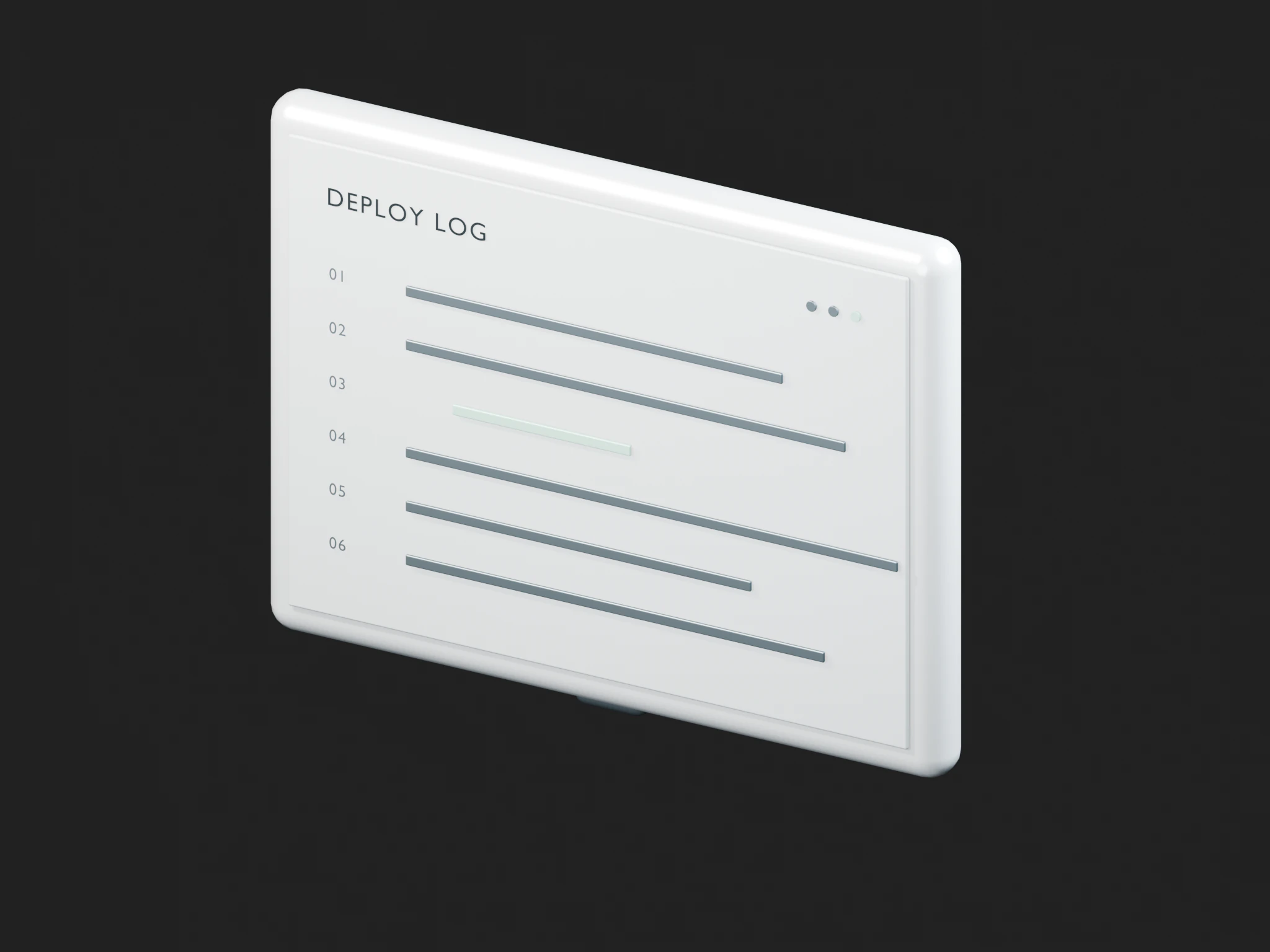
See what it’s doing.
Follow the build and the running app live, without SSH. Requests, visitors and top pages come from the server’s own logs.
Marketing sites
Nuxt, Astro or Next.js sites for your own brand or your clients.
Online shops
Headless storefronts that need server rendering and fast pages.
SaaS dashboards
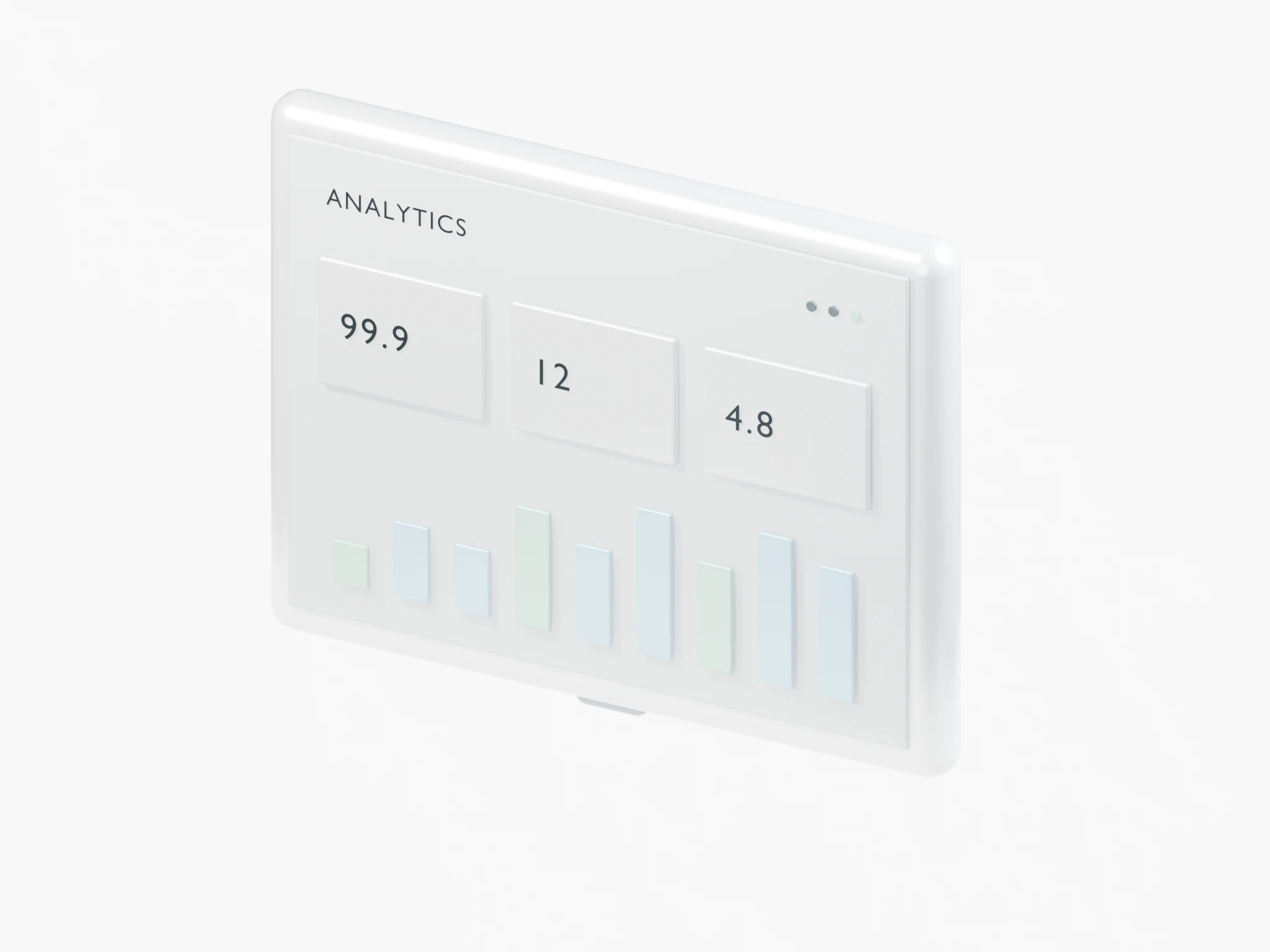
Logged-in apps with an API next to them on the same server.
APIs and backends
Express or Hono services behind their own domain and certificate.
Internal tools
Admin panels and dashboards your team uses every day.
Monorepos
Several apps in one repository, each deployed from its own folder.
Your server
You rent it from a cloud company you pick, like Hetzner or DigitalOcean. They bill you directly, at their normal price. It’s yours.
€4.79 a month for a Hetzner server
Nuvlo
Sets up the server and runs your apps on it: updates, backups, SSL and monitoring.
Free for your first server and 1 app, then from €12 a month
- No card to startNuvlo Free has no time limit.
- No lock-inIf you leave, your servers and sites stay in your cloud account and keep running.
- Cancel any timeA paid plan runs to the end of the month you paid for.
Which frameworks work?
Nuxt, Next.js, Remix, SvelteKit, Astro, Express and Hono are detected automatically. Anything else that runs on Node works with “Other” and your own build and start commands.
Does every push deploy automatically?
With GitHub, yes: Nuvlo adds a webhook. With GitLab or Bitbucket, call the site’s deploy hook URL from your pipeline.
What happens if a build fails?
A failed build never goes live. If a new release starts but fails its health check, the previous release is restored.
Can I host static sites?
Yes. Plain HTML or a Vite or Astro build, from Git or an uploaded ZIP, is served straight from nginx with the same releases and rollback.
Which Node version runs my app?
Node 24 unless your repository asks for another version or you pick one. Apps run under PM2 with a memory limit per app.
Where do uploads go between releases?
Mark folders as persistent and they’re shared across releases instead of being replaced.
Your first server and site are free, with no card and no time limit. Connect a provider token and Nuvlo starts building it.