
Use AI answers
See how many AI answers your plan includes this month, or use AI with your own Anthropic or OpenAI key.
On this page
What AI answers are
Some parts of Nuvlo can ask an AI model for help:
- Fix steps for findings in the launch check.
- Advice when you move a site from another host.
- SEO improvements for WordPress pages. See Site SEO.
Monthly plans include a number of answers each calendar month, paid by Nuvlo:
| Plan | Answers per month |
|---|---|
| Free | None, use your own key |
| Starter | 50 |
| Pro | 150 |
| Agency | 300 |
Unused answers don’t carry over. The Free plan and lifetime licenses include no answers: to use the AI features there, add your own Anthropic or OpenAI key. On a monthly plan you can add one too, and answers then stop counting.
Step 1 Check your usage
Click Workspace in the sidebar to open the Account page and choose AI answers in its menu.
On a monthly plan, the card shows how many answers the workspace has used this month and the date the count resets.
Step 2 Use your own Anthropic or OpenAI key
With your own key, AI has no monthly limit from Nuvlo and is billed to your Anthropic or OpenAI account.
On a monthly plan, open Advanced: use your own Anthropic or OpenAI key; on Free or a lifetime license, the section Add your own AI key is already open. Paste your key; Nuvlo recognizes the provider from it: Anthropic keys start with sk-ant-, OpenAI keys with sk-. Click Check and use this Anthropic key or Check and use this OpenAI key.
Nuvlo checks the key with the provider before saving it. Once saved, the card shows the last four characters of the key. Nuvlo stores the key encrypted and never shows it again. The workspace has one key at a time.
Only the owner or an admin can add or remove the key. It applies to everyone in the workspace.
Use Claude or ChatGPT instead
A Claude or ChatGPT subscription can’t run AI inside Nuvlo. You can connect Claude or Codex to Nuvlo instead and manage your sites from there, on your own subscription. See AI agents.
Stop using your key
Click Stop using my Anthropic key or Stop using my OpenAI key. On a monthly plan, AI answers then count against the plan’s allowance again.
Related guides
 Run a launch checkFind leaked keys, databases anyone can read and files that shouldn't be public on a static site, PHP site or Node.js app, and fix them from the dashboard.
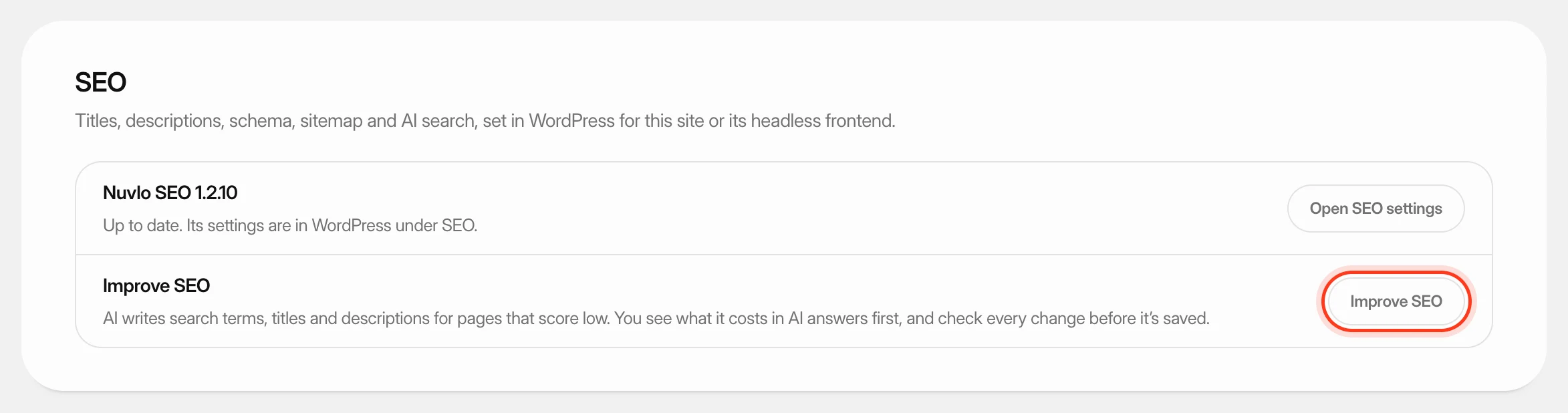 Improve SEO and control AI botsLet AI write better search titles and descriptions for a WordPress site's weakest pages, and decide which AI crawlers may read any of your sites.
 Choose or change your planPick the Nuvlo plan that fits how many servers, sites and team members you run, subscribe to it, and move up or down later.