Set environment variables
Store API keys, database settings and other configuration for a static site, PHP site or Node.js app, and apply them with the next deploy.
On this page
Before you start
- A static site, PHP site or Node.js app in Nuvlo.
- Permission to manage sites. Members without it can't see or change variables.
Step 1 Open the Environment tab
Open the site from Sites and click the Environment tab. The card Environment variables lists the saved variables with their values hidden. Each time someone opens them, it is recorded in the account's activity log.
Step 2 Add or import variables
Click Add variable and enter the key and the value. Keys may contain only letters, numbers and underscores and can't start with a number.
To import many at once, drop a .env file on the drop area at the top of the card, or click it to browse. Existing keys are updated and new ones are added.
Use the eye button to show a value, and the bin button to remove a variable. A removal takes effect when you save.
Step 3 Save the variables
Click Save variables. The button briefly shows Saved.
Step 4 Redeploy to apply them
Saved variables are used from the next deployment on. Click Redeploy to apply, which appears in place of the save button, to deploy right away.
How each site type uses them
| Site type | How variables are used |
|---|---|
| Node.js app | Available while building and to the running app. Nuvlo sets PORT and HOST itself, so your own values for them are ignored. NODE_ENV is production unless you set it. With the private Redis cache on, REDIS_URL, REDIS_HOST, REDIS_PORT and REDIS_PASSWORD are set for you. |
| Laravel | Written to the site's .env. Nuvlo adds APP_ENV=production, APP_DEBUG=false, APP_URL and LOG_CHANNEL=daily unless you set them. Without DB_CONNECTION or DB_DATABASE, the site uses an SQLite database. Add your APP_KEY; the deploy log warns when it's missing. |
| Symfony | Written to .env.local, next to the .env defaults in your repository. Nuvlo adds APP_ENV=prod and APP_DEBUG=0 unless you set them. |
| Plain PHP | A .env from your project is kept until you add variables in Nuvlo; from then on Nuvlo writes it. |
| Static website | Only available while the site builds, for example to Vite. They are not published with the site. |
Limits
- Up to 300 variables per site.
- Up to 32,000 characters per value.
- For static and PHP sites, a value must fit on one line. Values with line breaks are left out of the site's
.env.
Related guides
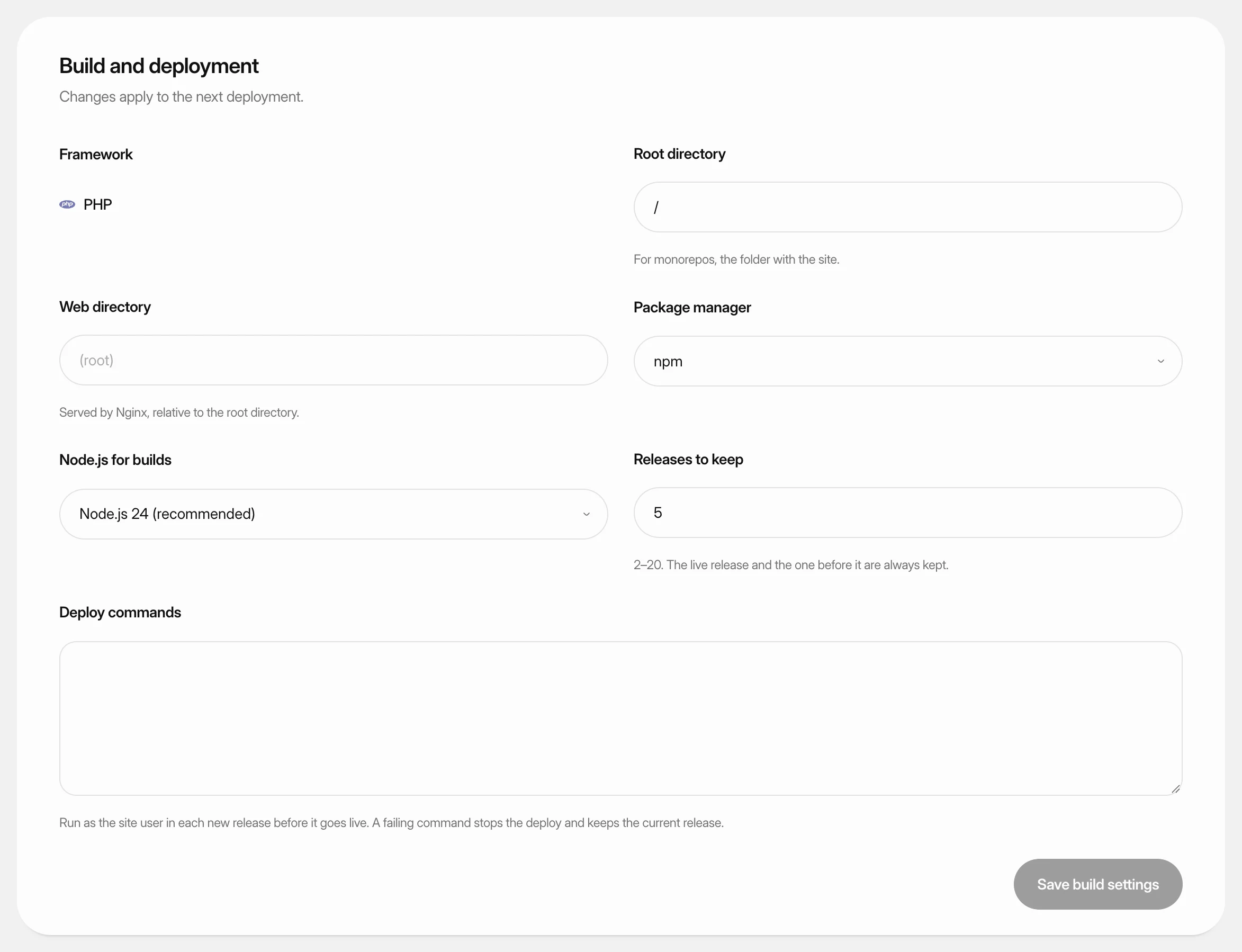 Change build settingsAdjust how Nuvlo builds and releases a static site, PHP site or Node.js app: folders, build command, package manager, Node.js version and how many releases to keep.
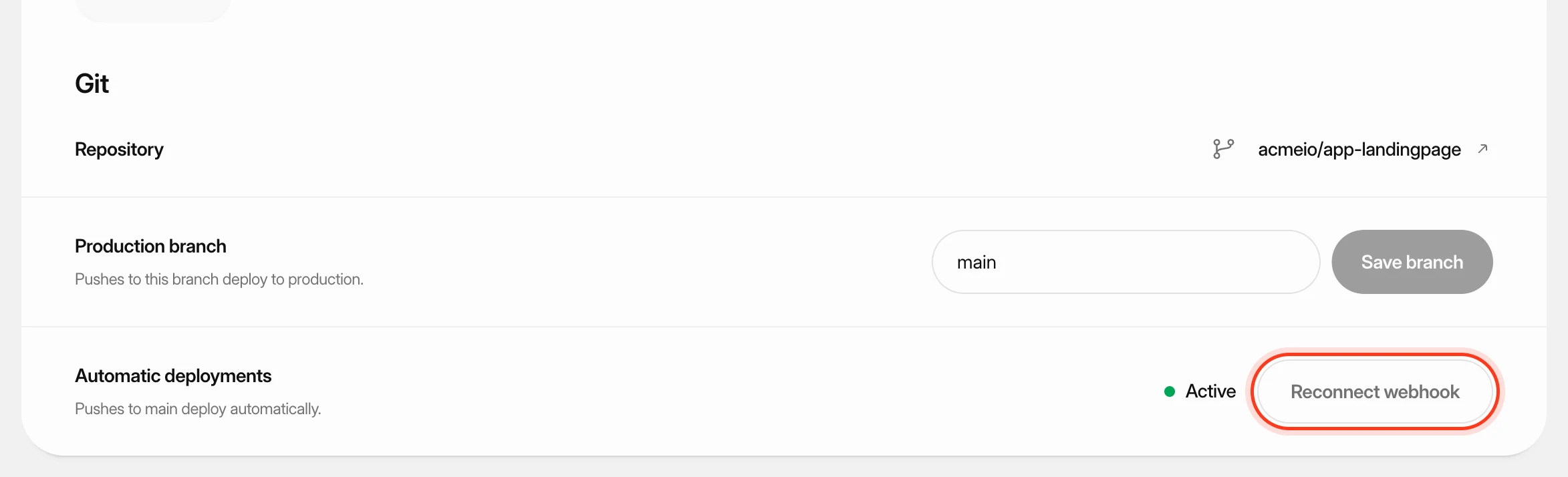 Deploy from GitKeep a site up to date with its GitHub repository: deploy automatically on every push, start a deploy yourself or from another tool, and read the build log when something goes wrong.
 Run a launch checkFind leaked keys, databases anyone can read and files that shouldn't be public on a static site, PHP site or Node.js app, and fix them from the dashboard.