
Connect Cloudflare
Connect your Cloudflare account so Nuvlo can create DNS records for your sites, install Cloudflare Origin certificates and keep your zones on secure settings.
On this page
Before you start
- A Cloudflare account with your domain added as a zone. Your registrar must use Cloudflare's nameservers, or the zone stays pending.
- A role that can manage integrations. Viewers can't connect Cloudflare.
- Pop-ups allowed for the Nuvlo dashboard, because Cloudflare opens its sign-in in a pop-up.
What Nuvlo does with the connection
Nuvlo only changes your Cloudflare zones when you ask it to, for example when you add a domain or turn on HTTPS. With the connection it can:
- Create or update the A record that points a domain at your server. It replaces A, AAAA and CNAME records for that exact name and leaves all other records alone.
- Issue Cloudflare Origin certificates and install them on your server.
- Read your DNS records to check that a domain behind Cloudflare's proxy reaches the right server.
- Update DNS records it manages when a server gets a new IP address.
- Apply safe zone settings when it sets up HTTPS through Cloudflare (see below).
Step 1 Open the Cloudflare integration
In the sidebar, open Integrations and then Cloudflare. The card shows Not connected.
Step 3 Check your zones
The window closes by itself and Nuvlo shows Cloudflare connected. The card now reads Connected, followed by your Cloudflare email address when Cloudflare shares it, and the Zones table lists every zone Nuvlo can see.
A zone should show Active. Pending usually means your registrar doesn't use Cloudflare's nameservers yet. Domains in Nuvlo lists the domains of that zone that are connected to your sites.
Connect with an API token instead
If you can't use the Cloudflare sign-in, connect with an API token:
- In the Cloudflare dashboard, open API Tokens in your profile and create a custom token.
- Give it the permissions in the table below. Under zone resources, include the zones Nuvlo should manage, or all zones.
- On the Cloudflare page in Nuvlo, click Use an API token in the Connect with a token card.
- Paste the token into Cloudflare API token and click Save token.
| Permission group | Permission | Access |
|---|---|---|
| Zone | DNS | Edit |
| Zone | Zone | Read |
| Zone | SSL and Certificates | Edit |
| Zone | Zone Settings | Edit |
Nuvlo checks the token before saving it. If Cloudflare rejects it, check that you copied all of it. If it can't read zones, add the Zone → Zone → Read permission.
Use the connection
| Where | What Nuvlo does |
|---|---|
| Add domain with Auto-configure DNS via Cloudflare on | Creates an A record without Cloudflare's proxy. The domain then gets a Let’s Encrypt certificate. |
| Move DNS to Cloudflare on a domain's page | Creates a proxied A record and installs a Cloudflare Origin certificate in one go. On a site's main domain with a www redirect, it points the other name too. |
| Cloudflare as the HTTPS choice when you create a WordPress site | Sets up DNS and HTTPS right away, without waiting for DNS to spread. |
| DNS and HTTPS through Cloudflare when you change a site's domain | Points the new domain at the server and secures it through Cloudflare. |
Zone settings Nuvlo applies
When Nuvlo sets up HTTPS through Cloudflare, it moves the zone to stronger settings that can't break your sites. It never lowers a setting that is already stronger.
- Full (strict) encryption, but only when every proxied name in the zone is served by Nuvlo with a valid certificate. The setting applies to the whole zone, so Nuvlo leaves it alone when other services use the zone.
- Always Use HTTPS and HSTS for 6 months, only once Full (strict) is on. HSTS isn't extended to subdomains.
- Minimum TLS 1.2, TLS 1.3 and Automatic HTTPS Rewrites.
- HTTP/3, 0-RTT resumption, Early Hints and Smart Tiered Cache.
After HTTPS is set up, a message lists what Nuvlo changed. If the connection lacks the Zone Settings permission, HTTPS still works but these settings are skipped. Add the permission, reconnect and turn on HTTPS again.
Reconnect or disconnect
- Reconnect opens the Cloudflare sign-in again, for example after you changed the access. An account has one Cloudflare connection, so a new one replaces the old.
- Disconnect deletes the saved Cloudflare access. Your DNS records and installed certificates stay as they are, but Nuvlo can't manage them until you connect again.
The connection belongs to the account, so everyone on your team uses the same one.
Related guides
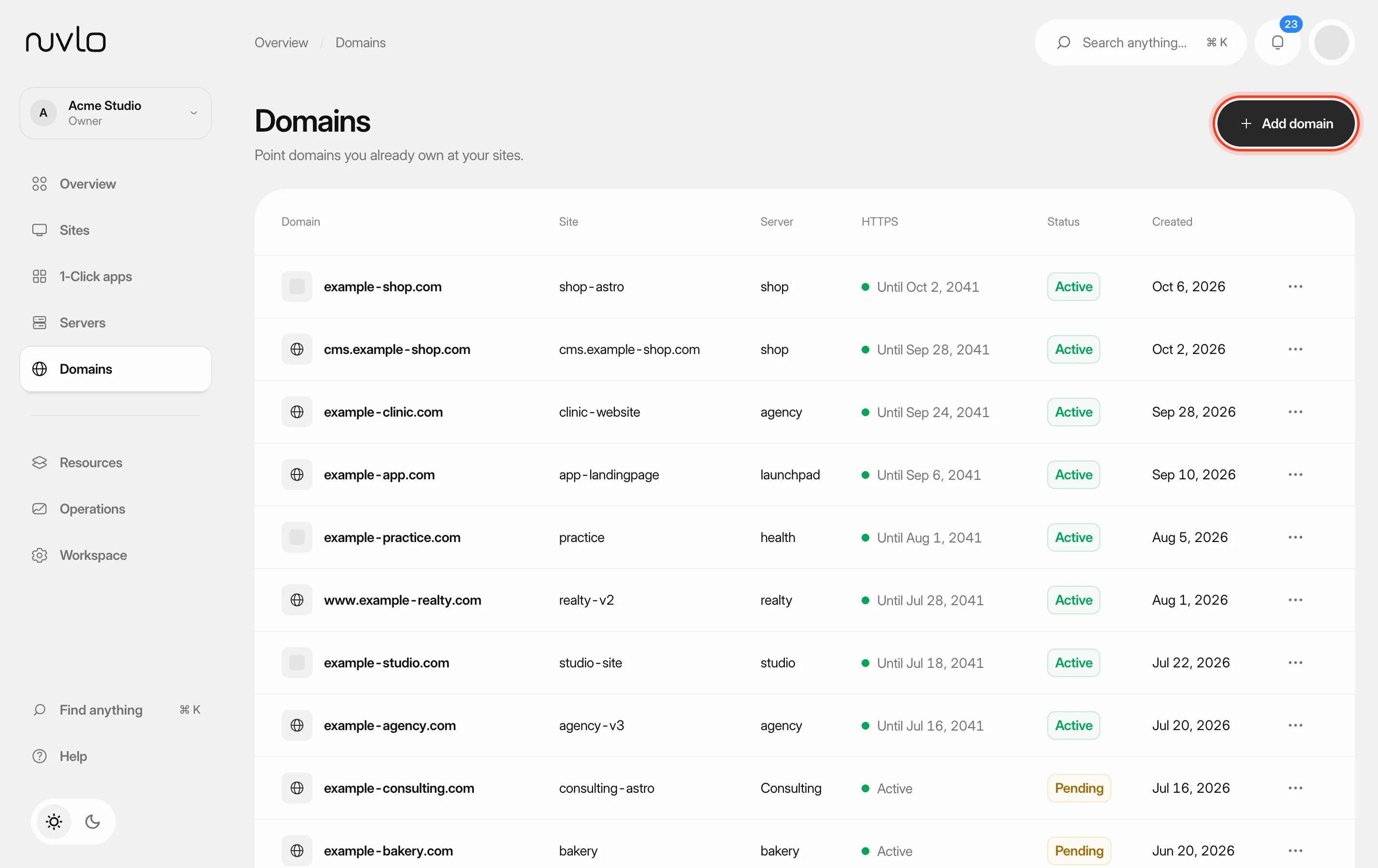 Add a domain to a sitePoint a domain you own at one of your sites. Nuvlo sets up the web server for it and issues a free HTTPS certificate as soon as the domain reaches your server.
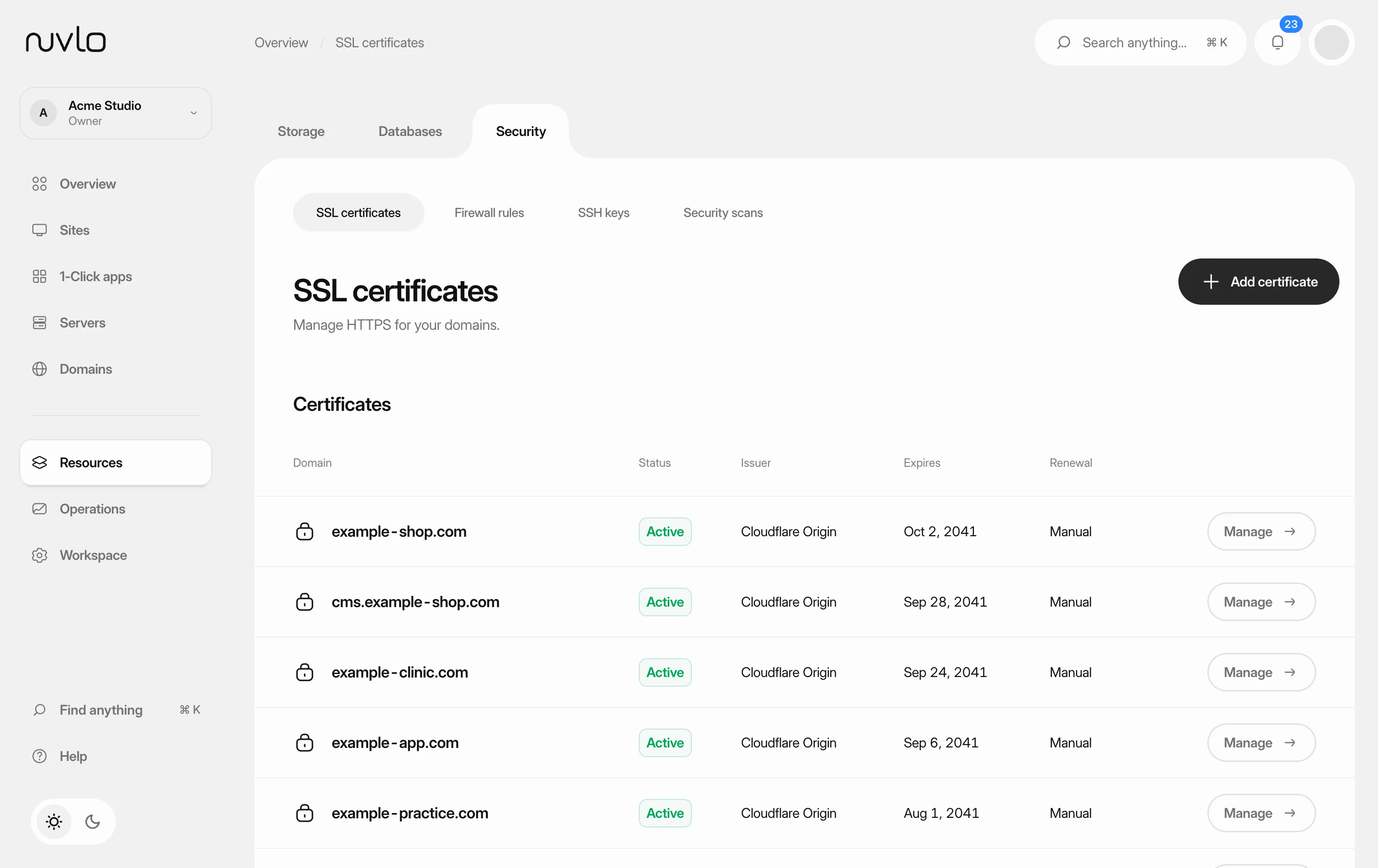 Manage SSL certificatesSee which certificate each domain uses, turn on HTTPS for a site, and know which certificates renew by themselves and which you have to replace.
 Change a site's domainMove a WordPress site or an application to a different domain, or from its temporary address to your own domain, without creating a new site.
 Create a WordPress siteInstall a new WordPress site on one of your servers, with its own database, Redis cache and HTTPS. It takes four short screens and a few minutes of setup.