Create a staging site or clone a site
Make a private staging copy of a WordPress site to try changes on, or clone it into a new, separate site, without touching the live site.
On this page
Before you start
- A running WordPress site. Other site types can't be copied yet.
- Room for another site on your plan, because the copy is a new site.
- A server set up for WordPress (Docker host or general-purpose) for the copy. The site's own server works.
Step 1 Choose staging or clone
Open the WordPress site from Sites. At the top of the page:
- Create staging site makes a private copy to try changes on. It is hidden from search engines.
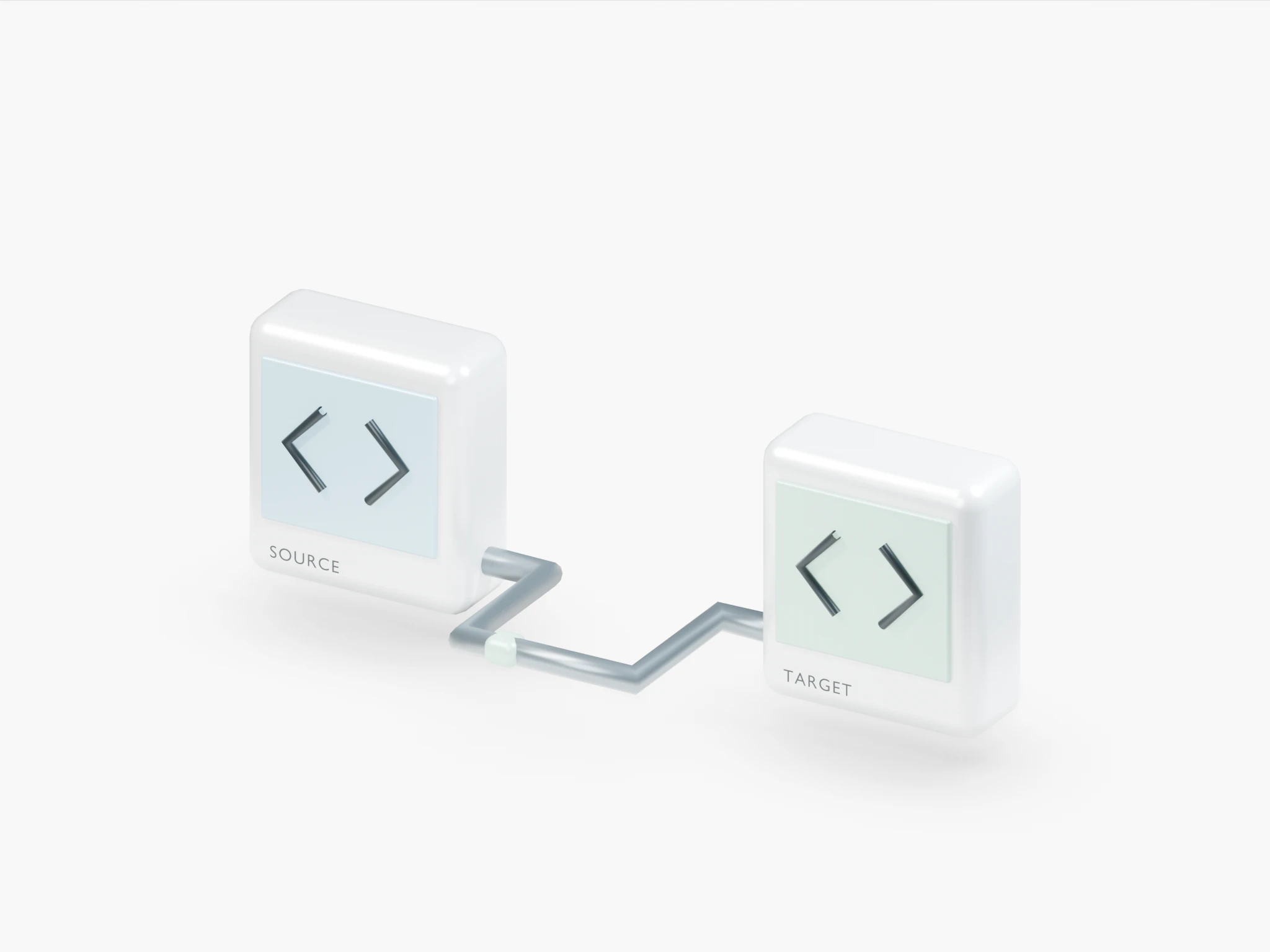
- Clone site makes a new, separate site with the same files, database and WordPress accounts.
If the site already has a staging site, the button reads Open staging site instead. A staging site itself can't get another staging site; clone it, or create the staging site from the live site.
Step 2 Pick the address
In the dialog, choose where the copy is reachable:
- Temporary address: a random name with HTTPS, nothing to set up.
- Your own domain: for example
staging.example.com. Enter it in Domain and point its DNS at the server.
If you have more than one server for WordPress, choose one under Server. The site's own server is marked (same server).
Step 3 Start the copy
Click Create staging site or Clone site. The dialog shows the progress: setting up a new WordPress site, copying themes, plugins and uploads, copying the database, switching links to the new address and clearing caches.
You can close the dialog; you get a notification when the copy is done. Only one copy of a site can run at a time.
Step 4 Open the copy
When it finishes, click Open staging site or Open new site. Log in with the same WordPress accounts as on the original.
If the copy fails
The dialog shows the error and a Try again button. On the new site's page, Copy again from the original domain replaces its files and database with the original's again.
ImportantChanges made on the new site while a copy into it is running are lost.
Related guides
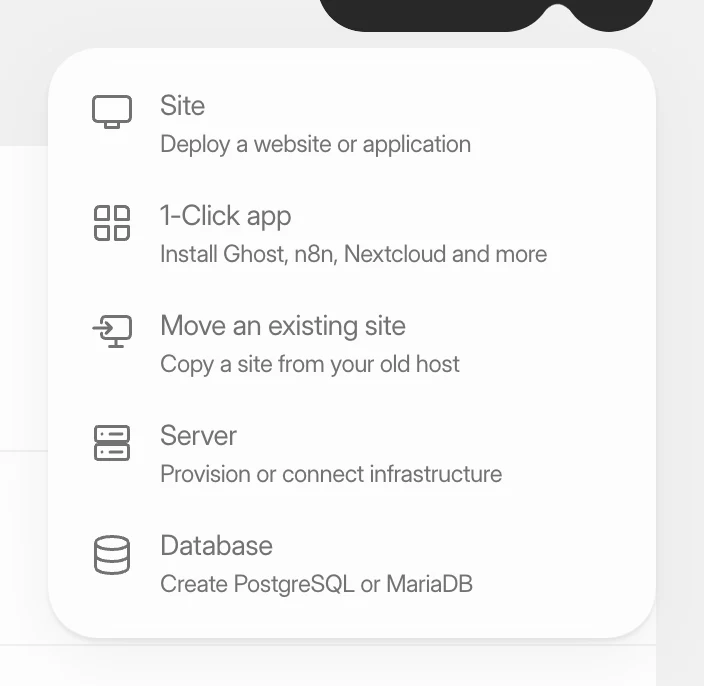 Create a WordPress siteInstall a new WordPress site on one of your servers, with its own database, Redis cache and HTTPS. It takes four short screens and a few minutes of setup.
 Change a site's domainMove a WordPress site or an application to a different domain, or from its temporary address to your own domain, without creating a new site.
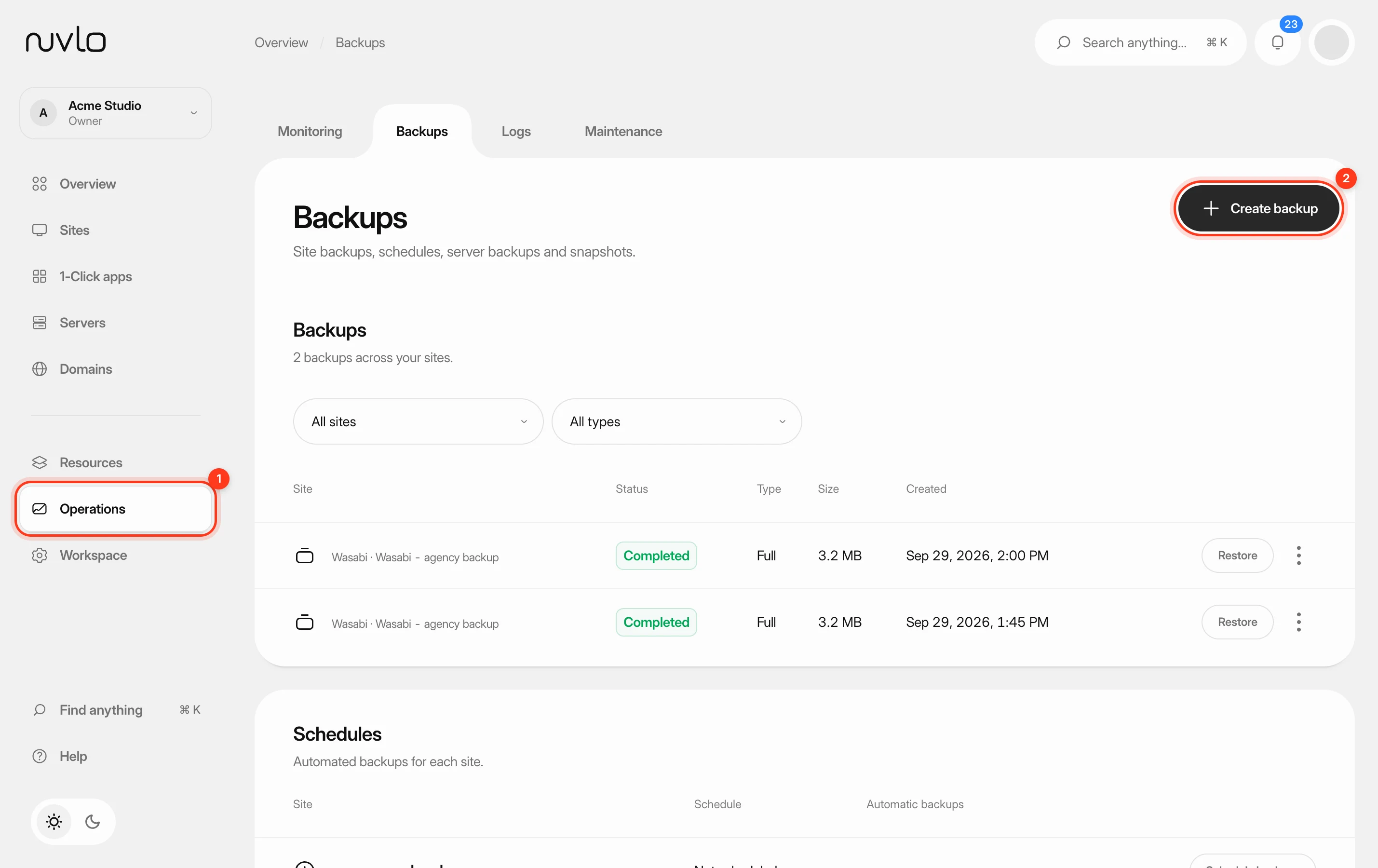 Back up a siteMake a backup of a site’s database, files or both whenever you need one, stored in your own backup storage.