


Run background processes and cron jobs
Keep Laravel queue workers and other long-running commands running for a PHP site, and run commands on a schedule.
On this page
Before you start
- A PHP site in Nuvlo. Queue workers are available for Laravel sites.
- Permission to manage sites in your Nuvlo account.
Step 1 Open the PHP tab
Open the site from Sites, click the PHP tab and scroll to Background processes and cron. Everything here runs as the site's own user and is restarted automatically on every deploy and after a crash.
Step 2 Add queue workers
Laravel only. Under Queue workers, click Add worker. Without a worker, jobs sent to a queue wait until one runs.
| Field | What it does |
|---|---|
| Connection | The Laravel queue connection, default unless you use another. |
| Queues | Queue names, comma-separated, in priority order. |
| Processes | How many copies of the worker run, 1–10. |
| Timeout (s) | How long one job may run. |
| Tries | How often a failing job is attempted. |
| Memory (MB) | Memory limit of the worker. |
Step 3 Add daemons
Under Daemons, click Add daemon for any other long-running command, such as a websocket server. Enter the Command, for example php artisan reverb:start, and how many Processes run (1–10).
Step 4 Add cron jobs
Under Cron jobs, click Add job. Enter the Schedule in cron syntax, such as 0 * * * * for every hour, or a shortcut such as @daily, and the Command, for example php scripts/cleanup.php. Jobs run in the live release.
For Laravel's own scheduler, use the Scheduled tasks switch in the PHP settings instead. See Change PHP and routing settings.
Step 5 Save the processes
Click Save processes and cron. Saving replaces the whole set. On a deployed site they start right away (Saved and started on the server); otherwise the first deploy starts them. Click Discard changes to undo edits you haven't saved.
Limits
- Up to 10 queue workers, 10 daemons and 20 cron jobs per site.
- Up to 10 processes per worker or daemon.
Server-wide scheduled tasks are covered in Cron jobs.
Related guides
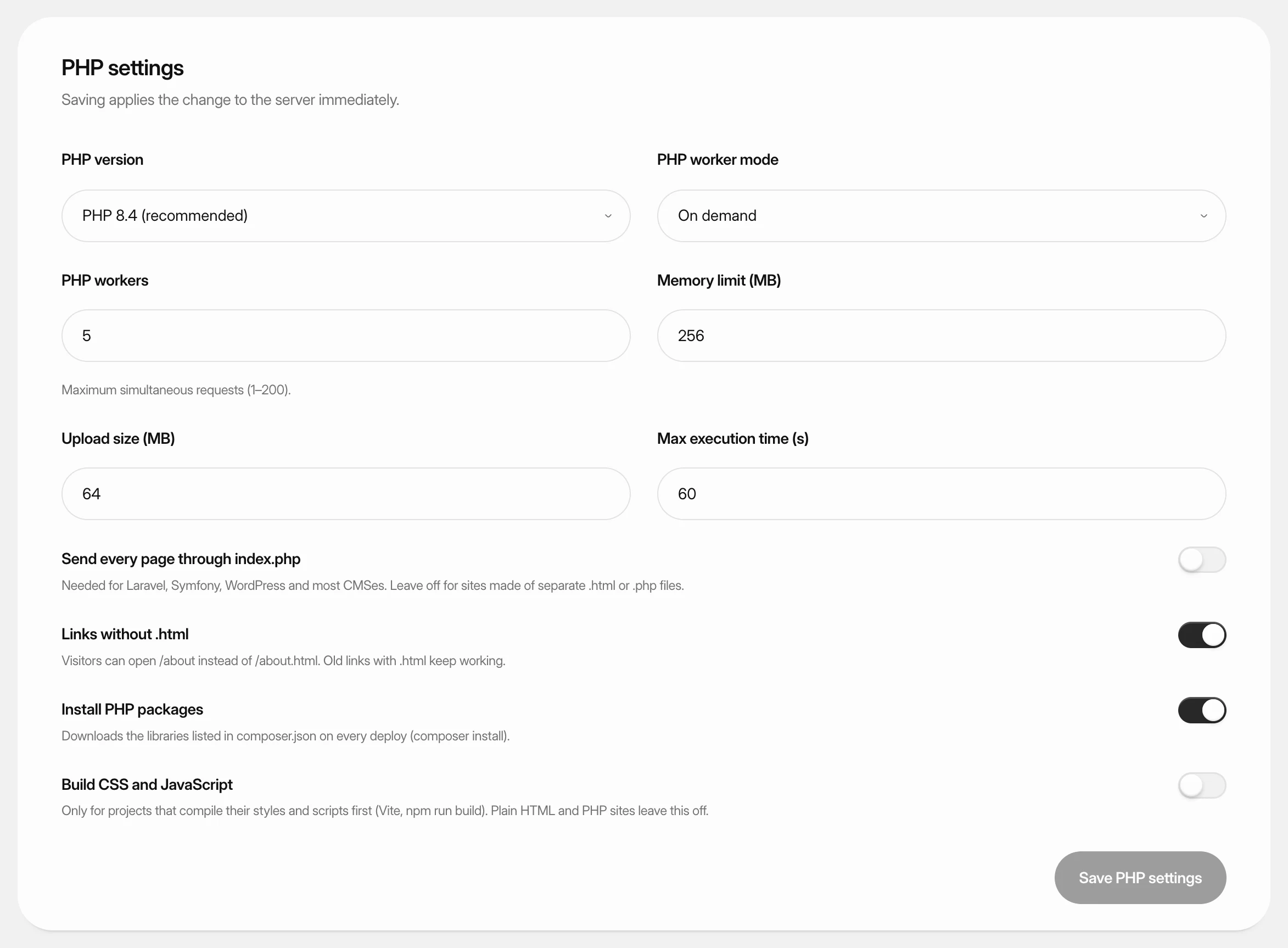 Change PHP and routing settingsSet the PHP version, PHP workers and limits of a PHP site, control how page addresses are routed, and use Laravel's maintenance mode and Artisan from the dashboard.
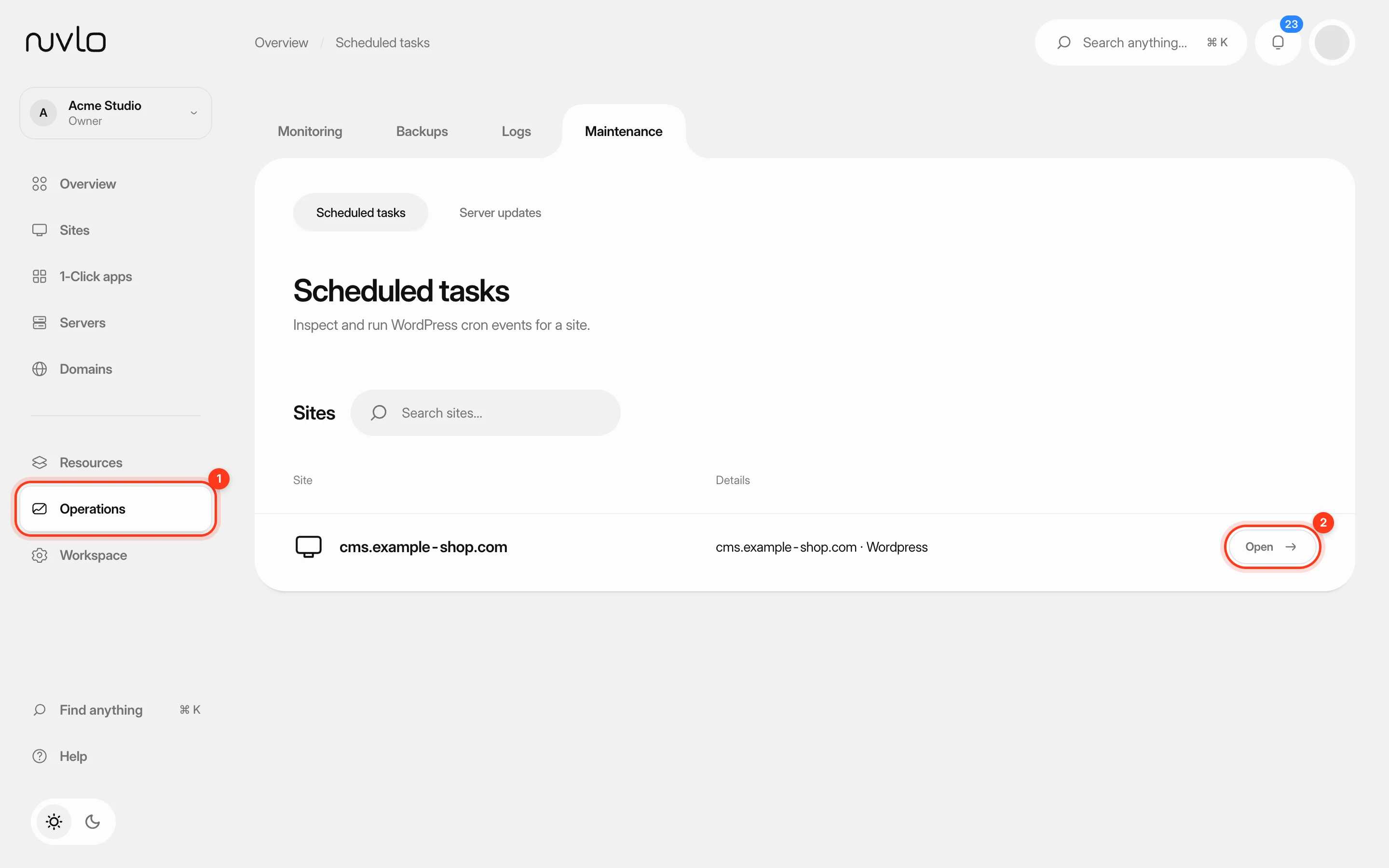 Run scheduled tasks and cron jobsSee which scheduled tasks a WordPress site has, run the ones that are due, and set up cron jobs for PHP sites.
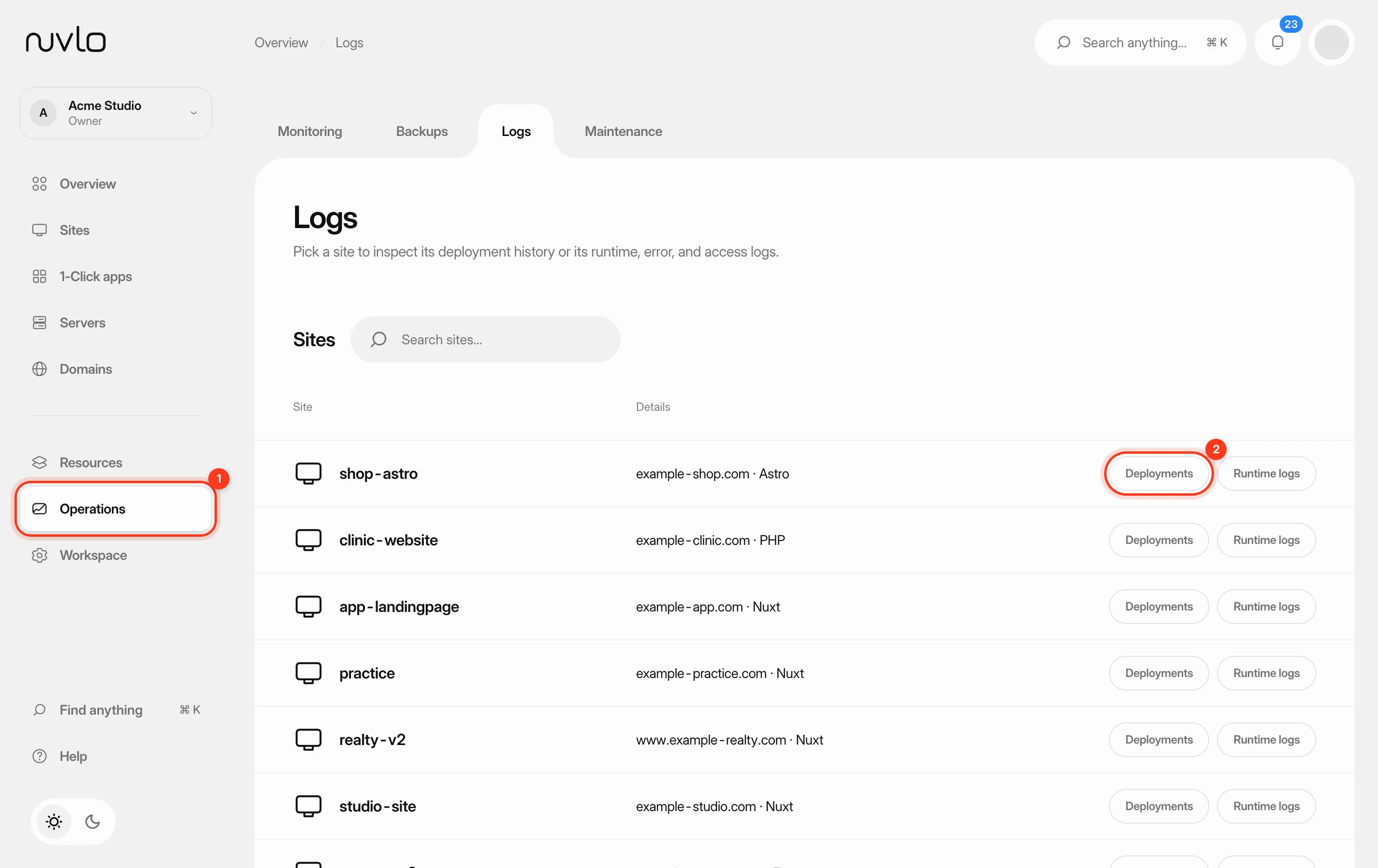 Read deployment and runtime logsFind out why a deploy failed or what your app is doing right now, using the build logs of each deployment and the live runtime logs of a site.