Manage a Contabo server
Handle what's different about Contabo: prepaid contract terms, the VNC console password, cancelling or renewing the subscription, and plan upgrades.
On this page
Before you start
- A Contabo account connected to Nuvlo. See Connect Contabo.
Contract terms
Contabo bills a fixed monthly price per contract term, paid upfront. When you create a server, choose the Contract term under the plan table. Longer terms lower the monthly rate. The contract renews automatically at the end of each term.
Step 1 Reveal the console password
Day-to-day access to the server uses SSH keys. The root password only works in Contabo's VNC console, as a fallback if SSH is unreachable.
Open the server and click the Overview tab. In Contabo console password, click Reveal password. Nuvlo doesn't store the password; it fetches it from Contabo each time, and every reveal is logged. Only owners and admins can reveal it.
Step 2 Check the subscription
The Subscription card on the Overview tab shows Auto-renews with the next renewal date and term, or Cancelled with the date the server runs until.
Step 3 Cancel the subscription
Click Cancel subscription, then Cancel subscription in the dialog. Auto-renew turns off. The server keeps running and stays in Nuvlo until the end of the paid period, then Contabo terminates it. You get a notification with the exact date.
ImportantWhen Contabo terminates the server, everything on it is gone, including its sites. Move or back up what you need before that date.
Step 4 Undo a cancellation
Contabo's API can't reverse a cancellation. Click Undo cancellation, then Open Contabo Control Panel and undo it there. Back in Nuvlo, click I’ve undone it — check again. Nuvlo checks with Contabo and turns auto-renew back on.
Upgrade the plan
Upgrade the server in the Contabo Customer Panel, then click Reload plan from provider in the Server plan card on the Settings tab. Contabo doesn't offer downgrades. See Change a server's plan.
Removing a Contabo server from the list
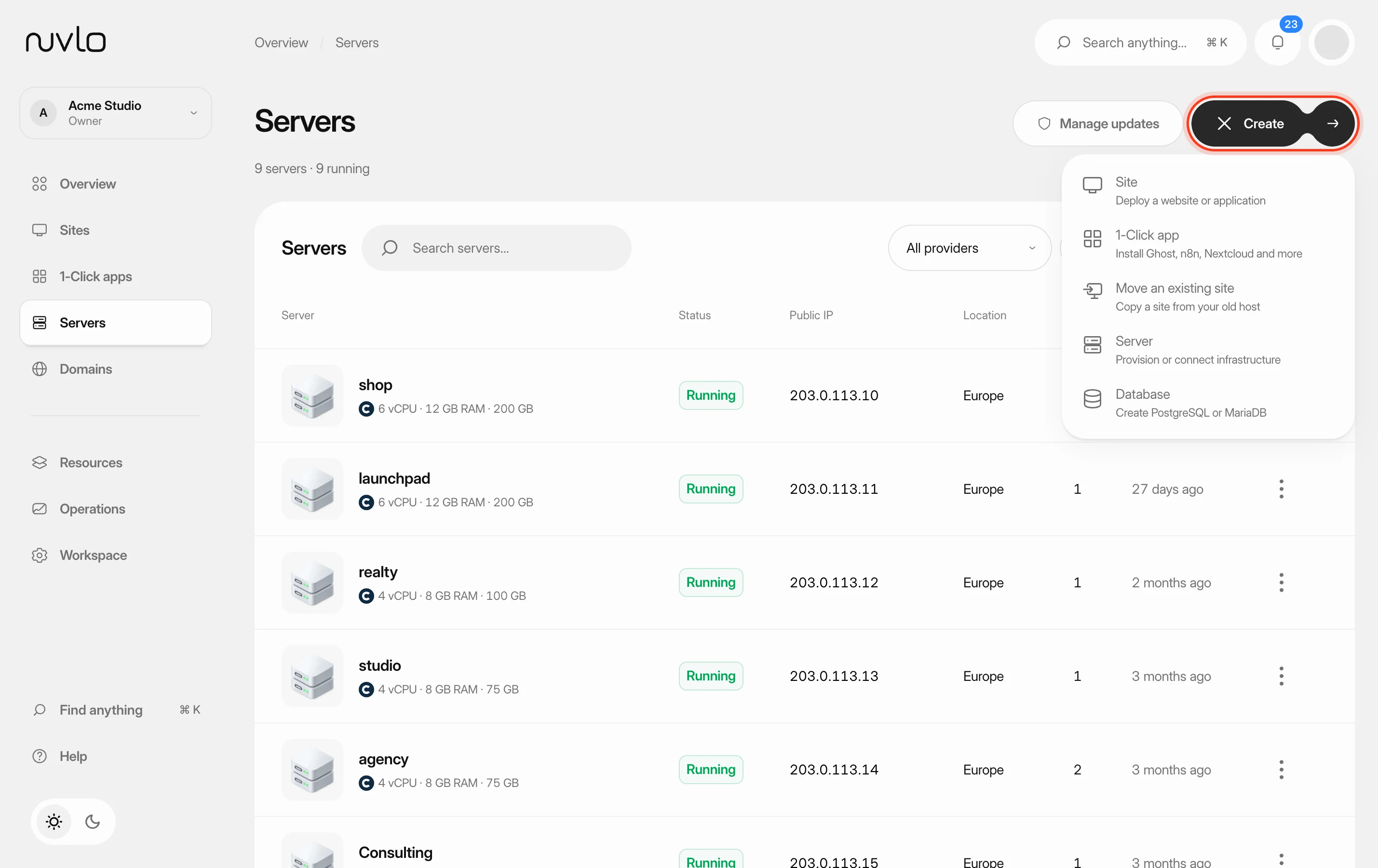
On Servers, the row menu offers Cancel subscription instead of Delete server. This cancels the contract and removes the server and its sites from Nuvlo right away, while the server keeps running at Contabo until the paid period ends. To keep managing it until then, cancel from the server's Overview tab instead.
Related guides
 Connect your Contabo accountConnect Contabo with its four API credentials, choose a contract term, and order your first Cloud VPS or Cloud VDS from Nuvlo.
 Create a serverOrder a new server at your cloud provider from Nuvlo and have it set up with everything your sites need: web server, firewall, security hardening and the software for the projects you plan to host.
 Delete a serverPermanently destroy a server at your provider and remove it and its sites from Nuvlo, with control over what happens to its snapshots and backups.