Delete a server
Permanently destroy a server at your provider and remove it and its sites from Nuvlo, with control over what happens to its snapshots and backups.
On this page
Before you start
- The owner or admin role in your Nuvlo account.
- The provider account that owns the server still connected to Nuvlo.
- Backups of anything you want to keep. See Back up a site.
Step 1 Open Delete server
Open the server, click the Settings tab and scroll to Danger zone. Click Delete server.
You can also delete from the row menu on the Servers page. That dialog asks about snapshots too, but not about automatic backups.
Contabo servers have no Delete server button. They are cancelled instead, see Manage a Contabo server.
Step 2 Type the server name
Under Type with the server's name to confirm, type the name exactly. The copy button next to it copies the name.
Step 3 Decide about snapshots
If the server has snapshots, the box Also delete its snapshots (with the number of snapshots) is ticked. Untick it to keep them. Kept snapshots stay under Backups, where you can restore them to a new server or delete them later. The provider keeps billing for them. See Server snapshots.
Step 4 Keep the latest backup (Hetzner)
On Hetzner servers with automatic backups, tick Keep its latest automatic backup as a snapshot to save the newest backup before the server is deleted. It is billed as a snapshot. The other automatic backups are deleted with the server. See Provider backups.
Step 5 Delete
Click the Delete button with the server's name. Nuvlo deletes the server at the provider first and removes it from Nuvlo only after the provider confirms.
ImportantDeleting can't be undone. The server's disk and every site on it are destroyed.
What is deleted where
In Nuvlo, the server, its sites, their domains, deployment history and saved deploy logs are removed.
| Provider | Server | Snapshots | Automatic backups |
|---|---|---|---|
| Hetzner | Deleted right away | Your choice | Deleted with the server, unless you keep the latest as a snapshot |
| DigitalOcean | Deleted right away | Your choice | Kept by DigitalOcean for up to 4 weeks, then removed |
| Vultr | Deleted right away | Your choice | Kept by Vultr for up to 7 days, then removed |
| Linode | Deleted right away | Your choice | Deleted with the server; billing for them stops |
| UpCloud, Scaleway, AWS, Google Cloud | Deleted right away | Your choice | Not offered through Nuvlo |
| Exoscale | Deleted right away | Deleted with the server | Not offered through Nuvlo |
| Contabo | Contract cancelled; runs until the paid period ends, then Contabo removes it | Removed with the server | Not offered through Nuvlo |
Troubleshooting
| Message | What to do |
|---|---|
| No API token is connected (for the provider) | Reconnect the provider account that owns the server, then delete again. |
| It could not be found in any connected project/account | If you already deleted the server at the provider, use Disconnect to remove it from Nuvlo. Otherwise connect the account that owns it. |
| This server is still being created at the provider | Wait until creation finishes, then delete it. |
When deleting fails at the provider, nothing is removed from Nuvlo, so you can safely try again.
Related guides
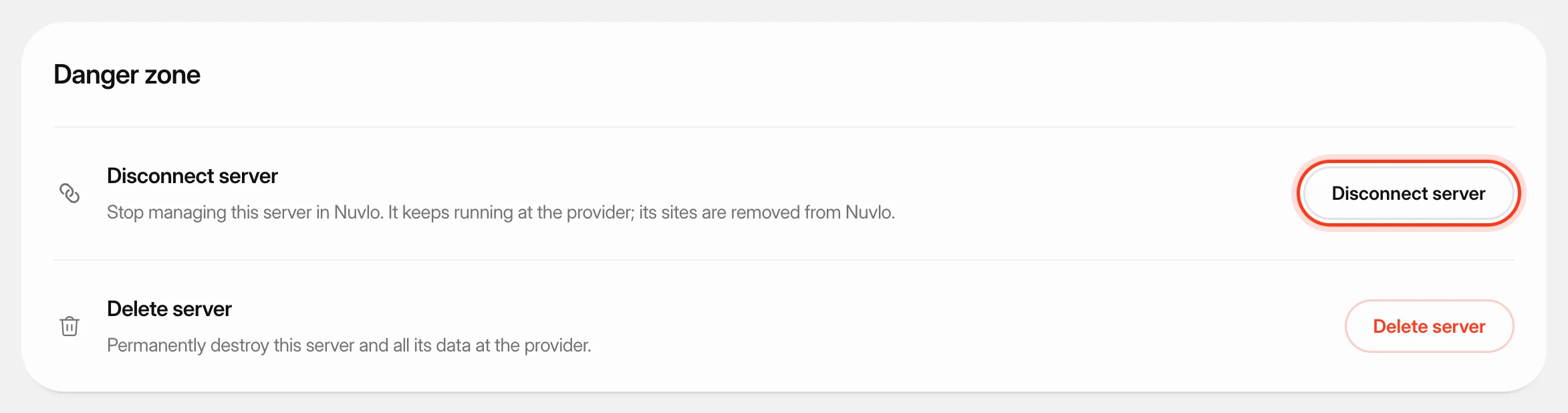 Disconnect a server from NuvloStop managing a server in Nuvlo while it keeps running at your provider.
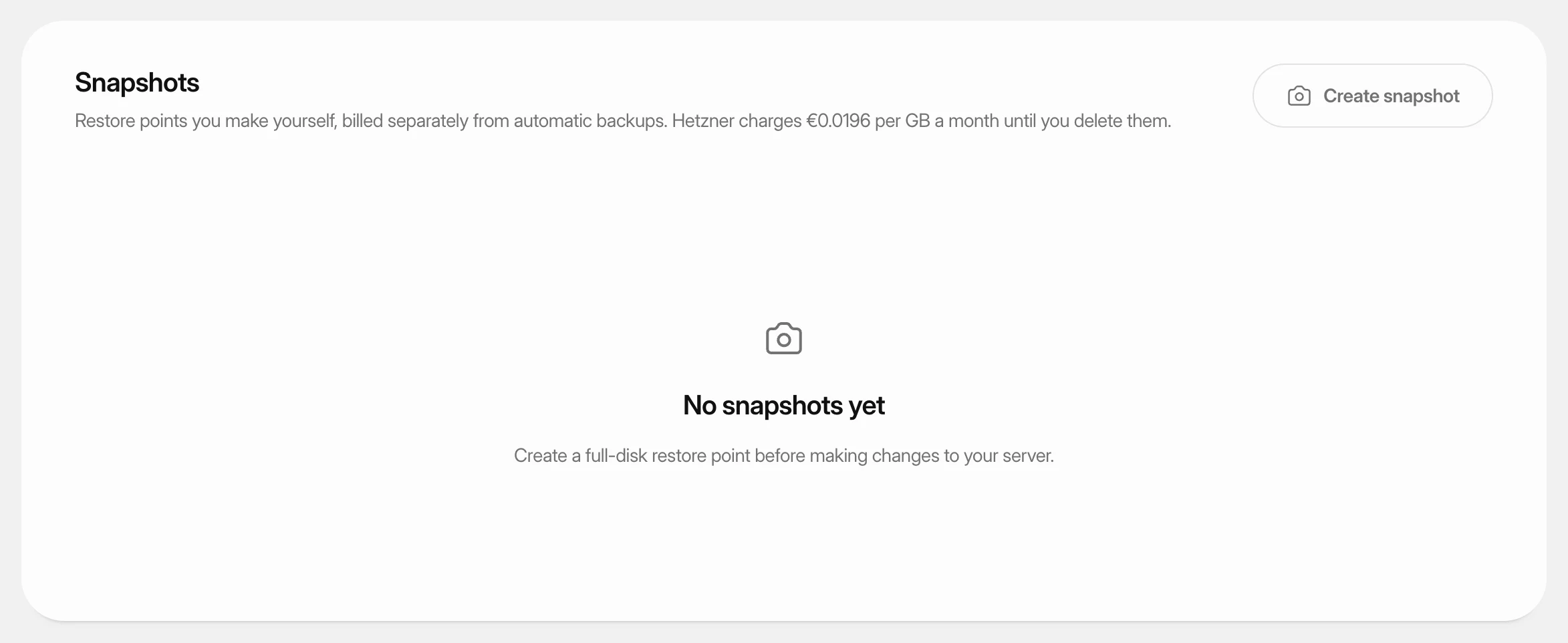 Create and restore server snapshotsSave a full-disk restore point of a server at its cloud provider, choose when it deletes itself, and restore it over the server or into a new one.
 Turn on automatic server backupsHave Hetzner, DigitalOcean, Vultr or Linode copy your whole server on a schedule, see what it costs, and restore a backup when you need it.
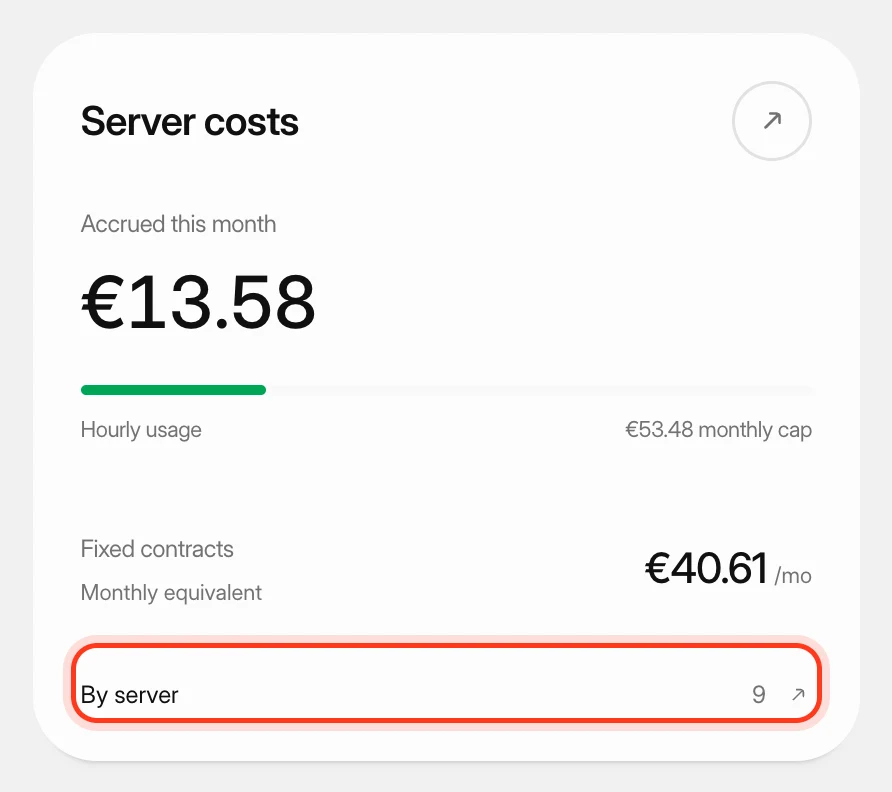 Track what your servers costSee what your servers cost at your cloud providers this month and in past months, apart from what you pay Nuvlo.