Run a launch check
Find leaked keys, databases anyone can read and files that shouldn't be public on a static site, PHP site or Node.js app, and fix them from the dashboard.
On this page
Before you start
- A deployed static site, PHP site or Node.js app.
- Permission to manage sites to apply fixes. AI explanations and code fixes use AI answers, or your own Anthropic or OpenAI key on the Free plan and lifetime licenses.
Step 1 Open the launch check
Open the site from Sites, click the Security tab and then Launch check. The check runs by itself after every deploy, so you often see a recent result already.
Step 2 Run the check
Click Run check, or Check again to run it once more. It takes about a minute and changes nothing on the site. Nuvlo loads the live site and its JavaScript and looks at the files on the server.
The result says how many problems were found, what was checked, and how many were fixed since the previous check.
Apps that use Supabase are also checked against the Supabase they connect to, whether Supabase cloud or a self-hosted Supabase in your account, using only the public key the site already ships. A site whose own database, or self-hosted Supabase, has no backup schedule and no backup from the last week gets a finding too.
Step 3 Read the findings
Each finding has a badge: Fix now, Fix soon, Worth fixing or Note. Fix now findings open by themselves. Click a finding to see what was found and a Fix: line with what to do, sometimes with a snippet to copy.
Click Show steps for my framework for an AI explanation tailored to the site. Each explanation uses one AI answer.
Step 4 Fix the problems
Some findings offer a fix you can apply right there:
- Block these files on the server (public
.env,.git, database dumps or logs): moves the variables from a public.envinto Nuvlo, blocks those files and redeploys. Anyone could have read the keys, so replace them at their providers too. - Save and redeploy (missing variables): enter the values under Set the values here. Leave a field empty if the variable only matters during development. Open Environment instead takes you to the full variable list.
- Fix it for me (certain code problems in sites deployed from GitHub): Nuvlo reads the repository and prepares a change, using 3 AI answers. Review the proposed change, then click Open a pull request on GitHub. When offered, Commit to the branch and deploy commits the change directly instead. Prepare a different fix writes another proposal.
A pull request changes nothing until you merge it on GitHub. After the next deploy, the check runs again.
Stop blocking files
When Nuvlo blocks .env, .git, database dumps and log files, the summary says so. Stop blocking these files removes the block after you confirm. Only do this if those files are no longer in the site's public folder, because anyone could download them otherwise.
Related guides
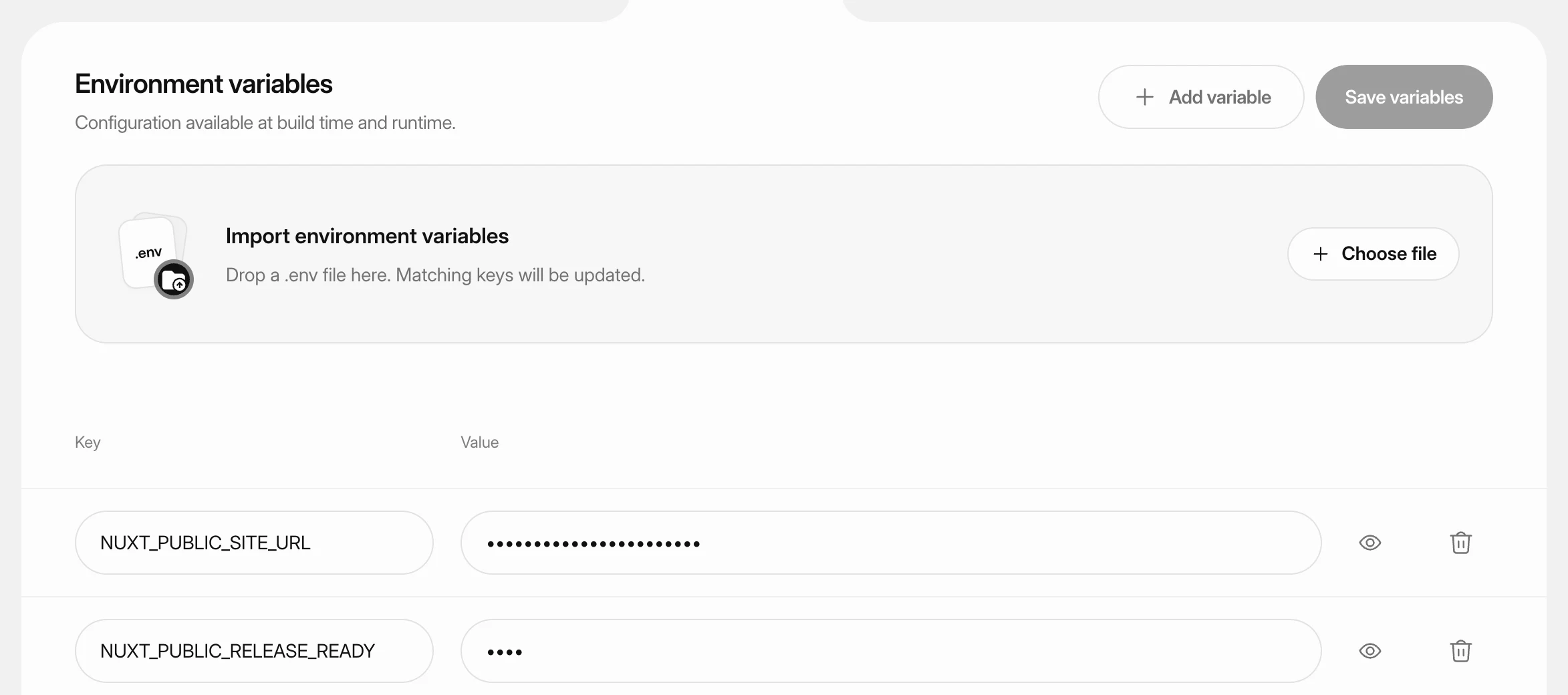 Set environment variablesStore API keys, database settings and other configuration for a static site, PHP site or Node.js app, and apply them with the next deploy.
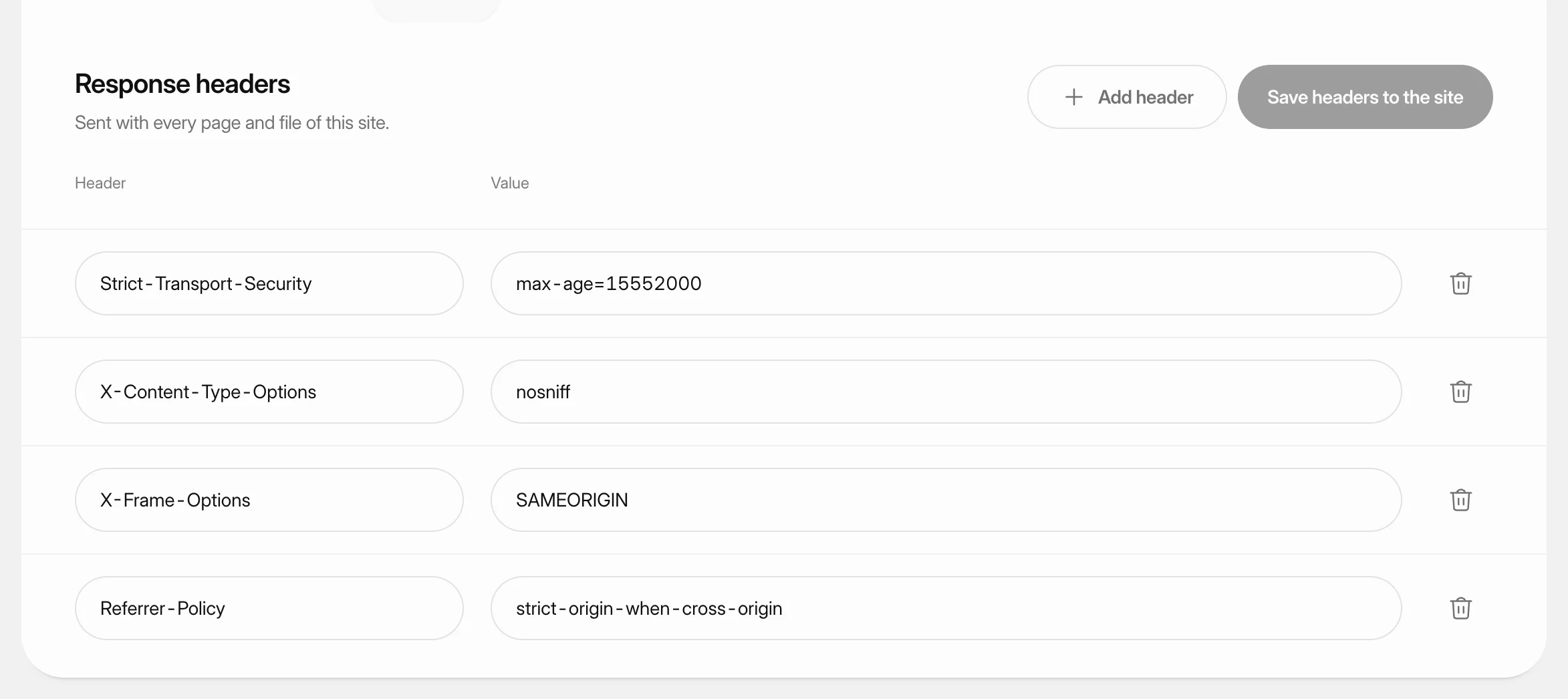 Set response headersChoose the security and policy headers a static site, PHP site or Node.js app sends with every page and file, such as a Content Security Policy.
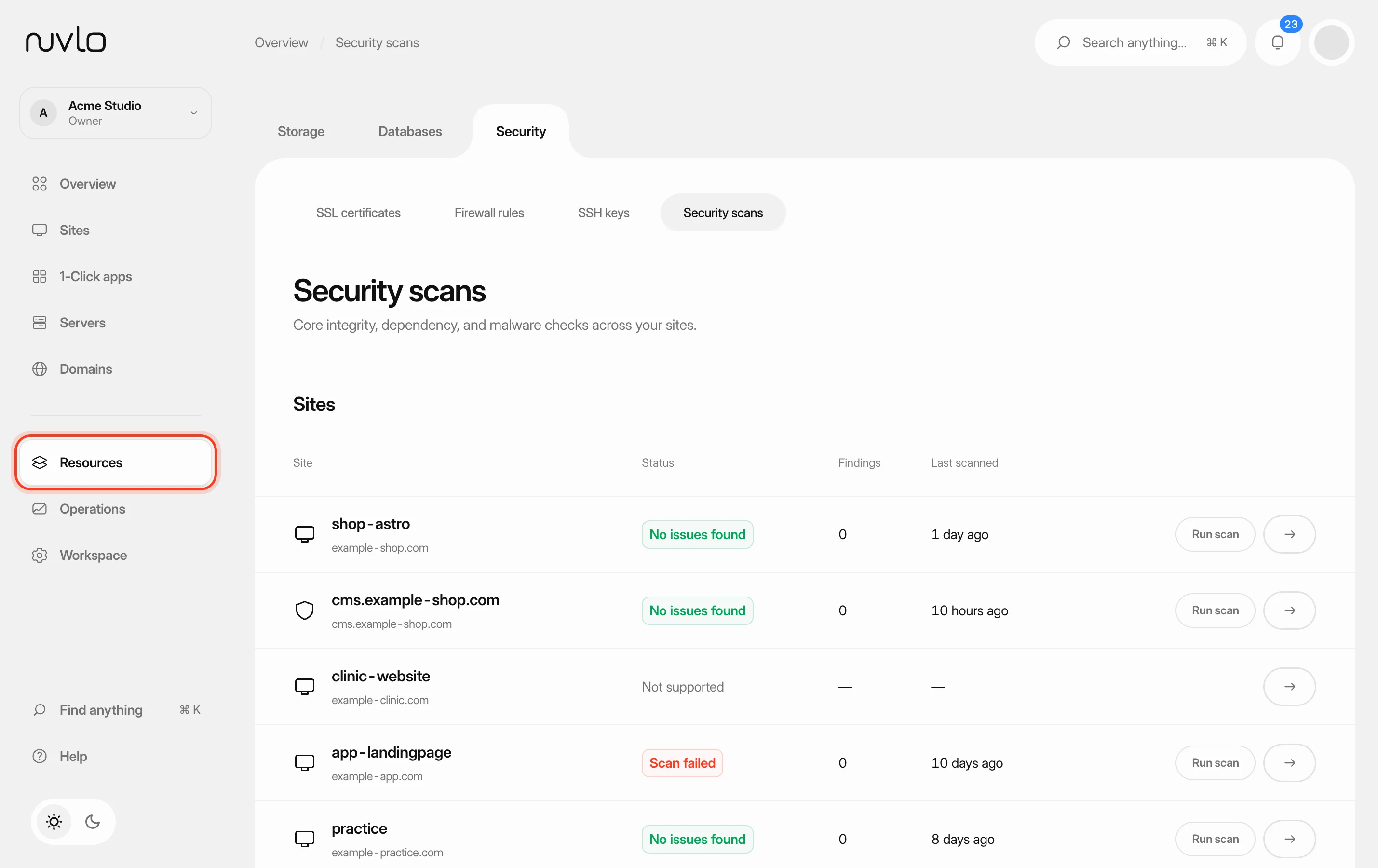 Scan your sites for security issuesCheck WordPress sites and Node applications for malware and known vulnerabilities, deal with what the scan finds and let scans run on a schedule.
- Move a Lovable or Bolt app to your own serverPut a Vite app made with Lovable or Bolt on a server in your own cloud account, for example at Hetzner in Germany. Keep its Supabase cloud project or connect a Supabase you host yourself, and check it for leaked keys, open tables and missing backups.