Connect your UpCloud account
Create an UpCloud API token, connect it to Nuvlo, and create your first UpCloud server.
On this page
Before you start
- An UpCloud account with credit on it. UpCloud is prepaid.
- The Owner, Admin or Developer role on your Nuvlo account
Step 1 Open API tokens in UpCloud
Sign in to the UpCloud control panel with a user that can create servers, open Account → API Tokens and click Add new API token.
Step 2 Set up the token
- Name: something you’ll recognize, such as “Nuvlo”.
- Expiration: UpCloud tokens last at most a year. Note the date, because Nuvlo cannot manage your servers after the token expires.
- Leave the option that lets the token create other tokens turned off. Nuvlo doesn’t need it.
- IP restrictions: allow access from all IP addresses. If you restrict the token, UpCloud refuses Nuvlo’s requests.
Step 3 Copy the token
Click Create API token and copy the token. It starts with ucat_ and is shown only once.
Step 4 Add the token in Nuvlo
In Nuvlo, open Integrations → Server providers, click Add provider and choose UpCloud.
Enter an Account label (optional) and paste the token into API key or token.
Step 5 Connect and check
Click Connect account. Nuvlo checks the token with UpCloud and saves it. The account shows under Connected accounts.
Step 6 Create your first UpCloud server
Open Create server, choose UpCloud and, if you have several, the account under Account. Click Choose what to host and follow Create a server.
Prices in the wizard are in your UpCloud account’s currency.
Good to know
| Topic | On UpCloud |
|---|---|
| Billing | Prepaid. Costs come off your UpCloud credit every hour, capped at the monthly price. |
| Plans | General-purpose plans in one price list. |
| Resizing | Any plan, bigger or smaller. The disk can grow but never shrinks, and storage beyond the plan’s own is billed separately. The IP address stays the same. |
| Provider backups | Not managed from Nuvlo. Use site backups and snapshots. |
| Snapshots | Restore into a new server. |
ImportantUpCloud shuts your servers down when the credit runs out. Nuvlo sends provider bill reminders in the weeks before, so you can top up in time.
Troubleshooting
- The provider rejected this key: the token was mistyped, revoked, has expired, or is limited to certain IP addresses. Create a new token that allows all IP addresses.
- Your servers stop being manageable after a while: the token has probably expired. Create a new one and paste it under Manage on the Server providers page.
Related guides
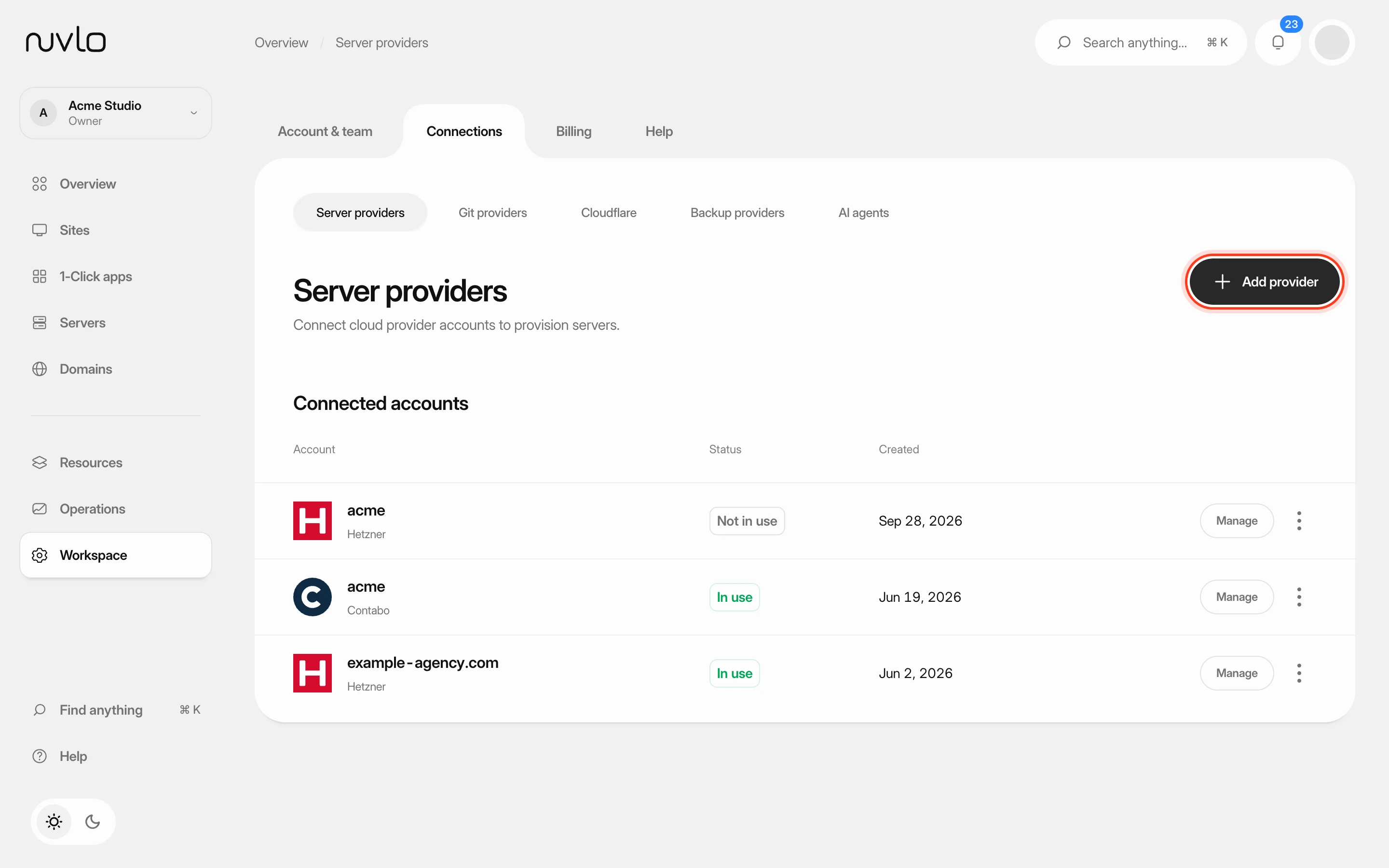 Connect a server providerConnect your own cloud account so Nuvlo can create and manage servers in it. You add an API key on the Server providers page, and Nuvlo checks it with the provider before saving it.
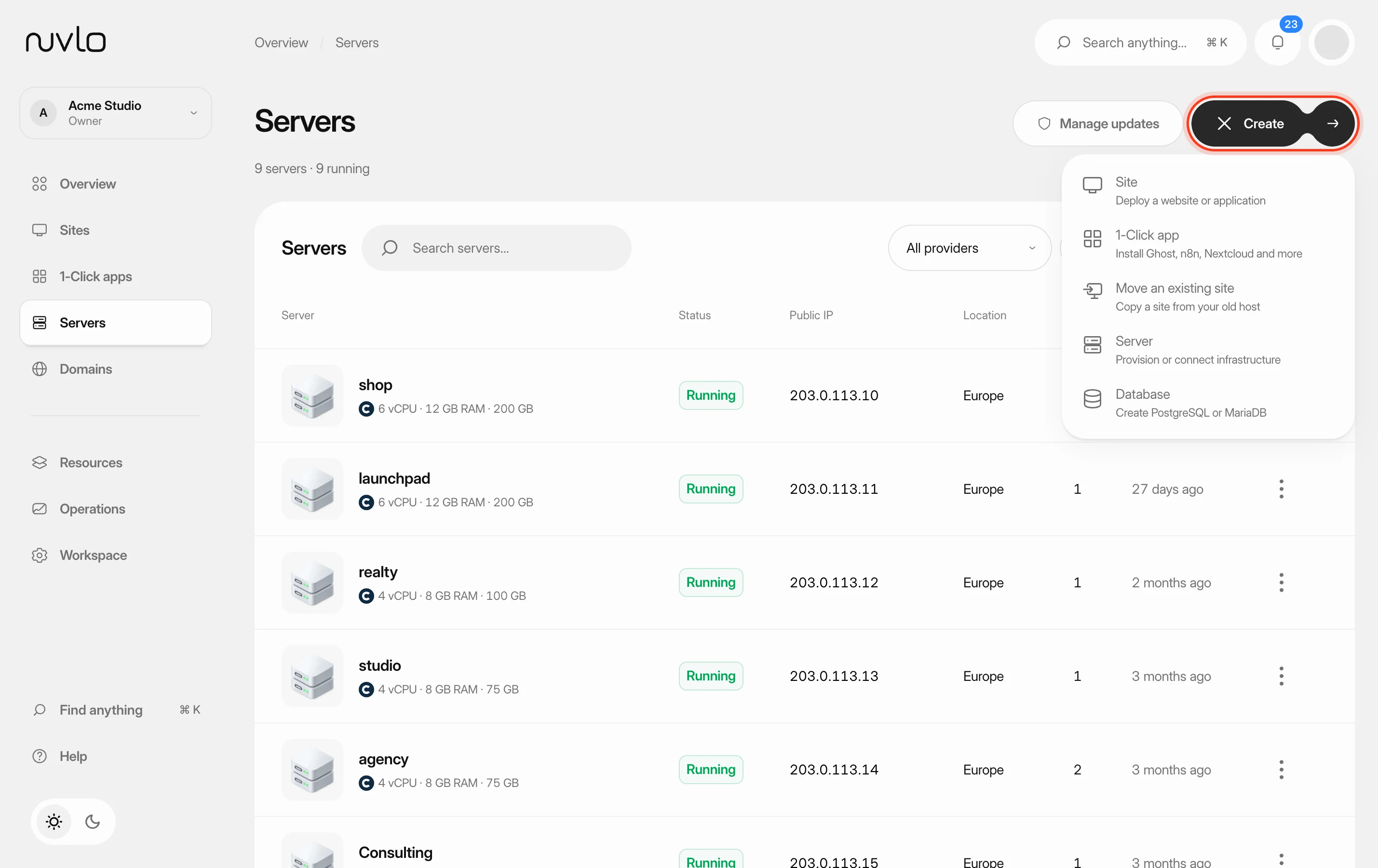 Create a serverOrder a new server at your cloud provider from Nuvlo and have it set up with everything your sites need: web server, firewall, security hardening and the software for the projects you plan to host.
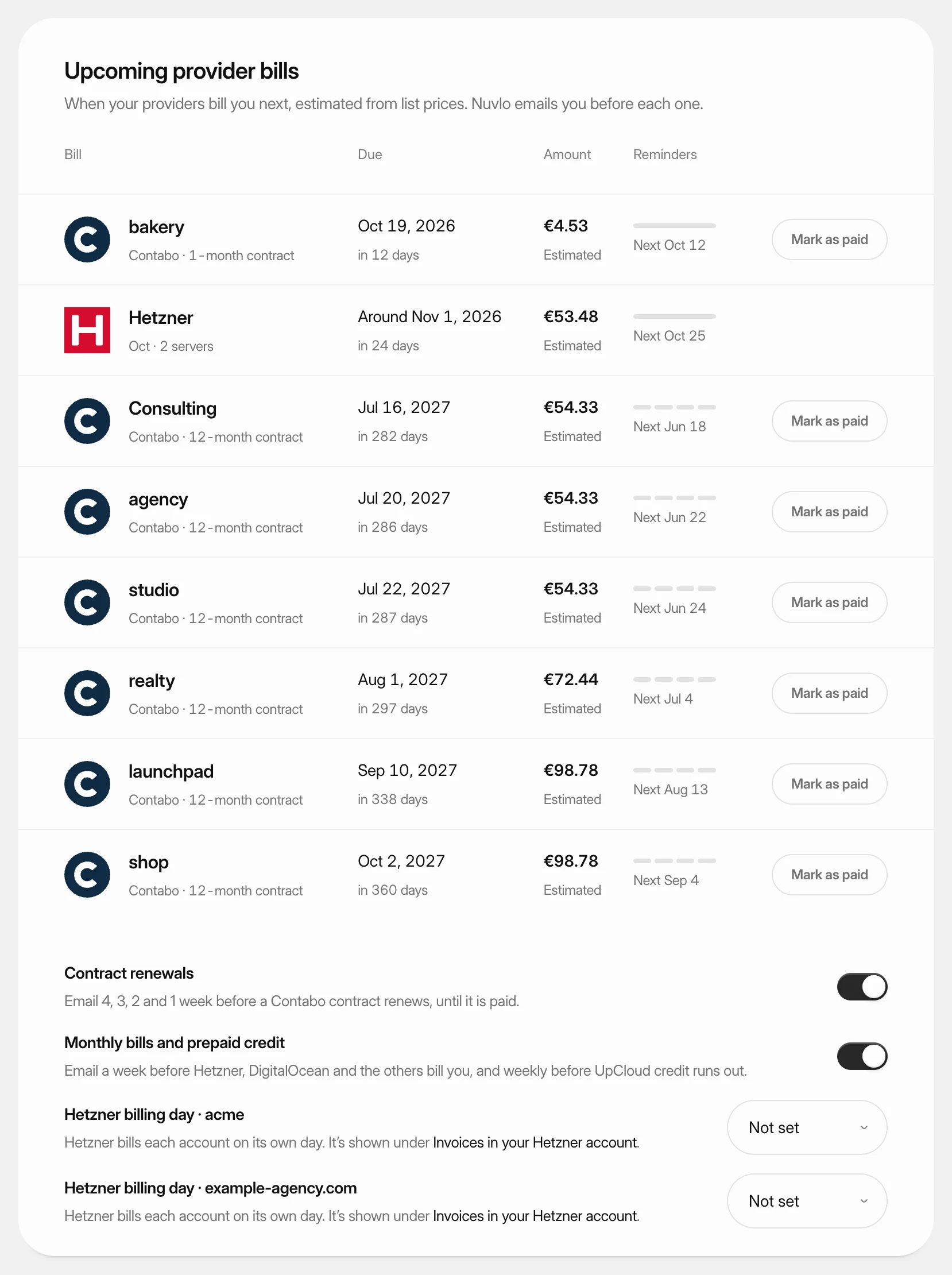 Get reminders before provider billsSee when each cloud provider bills you next and get an email before it happens, so a server never stops over a missed payment.
 Create and restore server snapshotsSave a full-disk restore point of a server at its cloud provider, choose when it deletes itself, and restore it over the server or into a new one.