
Protect a WordPress site
Turn on a firewall, block bad bots, harden WordPress and protect the sign-in page from a WordPress site’s Security tab.
On this page
Before you start
- A WordPress site in Nuvlo.
- Permission to manage sites.
Step 1 Open the Protection card
Open the site and click Security. The Protection card is at the top.
Step 2 Choose the firewall rules
| Choice | What it does |
|---|---|
| 8G (Recommended) | Newest rules. Blocks SQL injection, script injection, path traversal and scanners. |
| 7G | The earlier rule set with fewer checks. Use it if 8G blocks something your site needs. |
| Off | No firewall rules. Requests go straight to WordPress. |
Step 3 Turn on the protections you need
| Switch | What it does |
|---|---|
| Block bad bots | Turns away SEO scrapers and hacking tools. |
| Block spam referrers | Turns away visits sent from known spam sites. |
| Security headers | Tells browsers to use HTTPS only and not to load the site inside other sites. |
| Turn off XML-RPC | Closes a common target for password guessing. The Jetpack plugin and the old WordPress app need it. |
| Restrict the REST API | Only signed-in users can use it. Can break plugins that load content for visitors through it. On a headless site, leave it off unless your frontend signs its requests: the frontend loads its content through the REST API. |
| Block PHP in uploads | Uploaded files can’t run as code. |
| Limit sign-in attempts | Locks out an IP address for 15 minutes after 5 wrong passwords. |
| Move the sign-in page | Replaces /wp-admin and /wp-login.php with an address only you know. Enter it in New sign-in address. |
| Password-protect the site | Everyone needs a username and password before the site loads, for example while you build it. Enter Username and Password. |
Step 4 Save and apply
Click Save and apply. The button shows Saved once nothing is left to save.
If the server couldn’t be reached, the card shows what a new site starts with. Saving applies those settings.
Malware scan checks WordPress core files against the official release and looks for malware. See Scan a site for malware.
AI bots on this site shows requests from AI crawlers and assistants, and lets you set what each group of AI bots may do.
Related guides
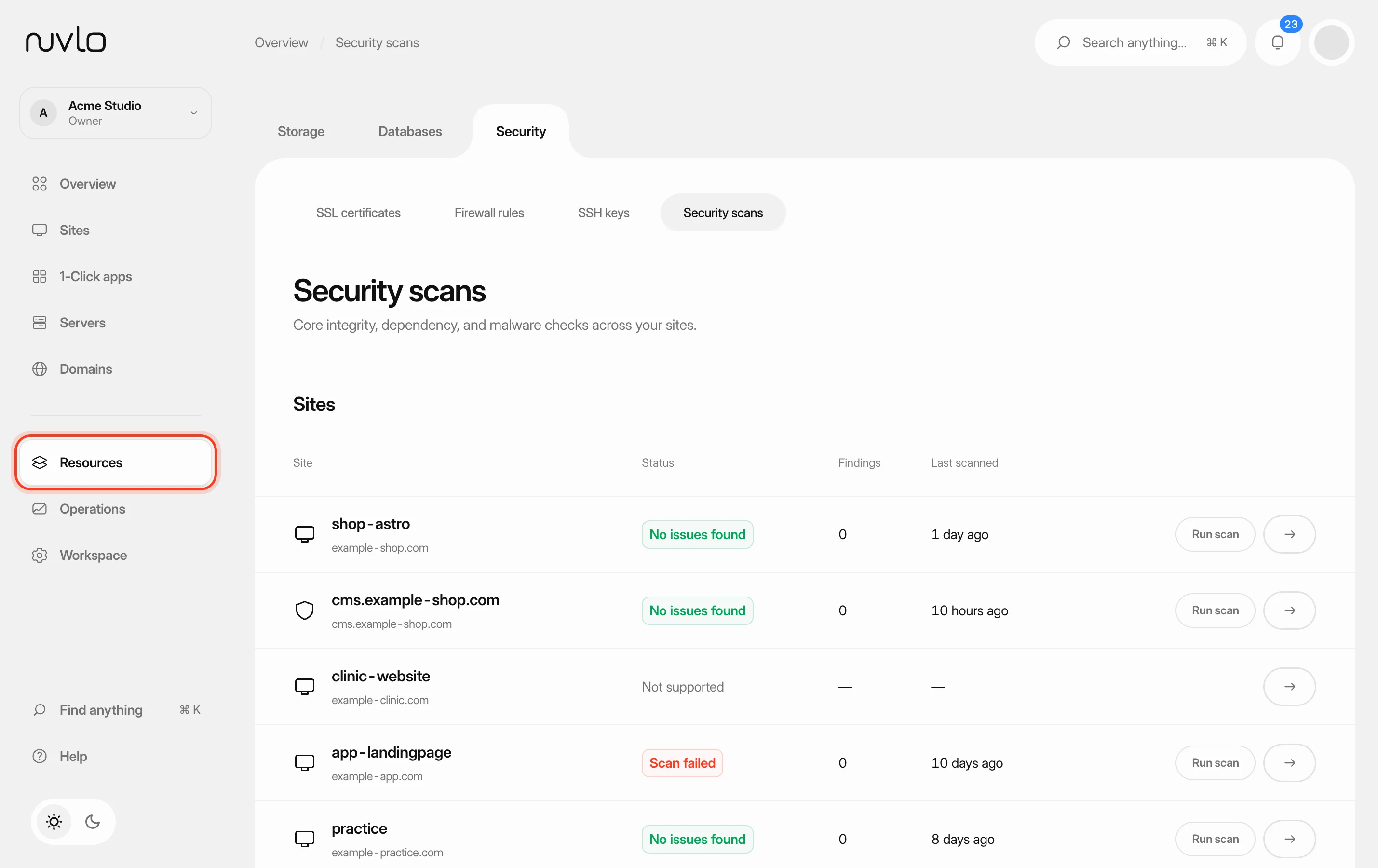 Scan your sites for security issuesCheck WordPress sites and Node applications for malware and known vulnerabilities, deal with what the scan finds and let scans run on a schedule.
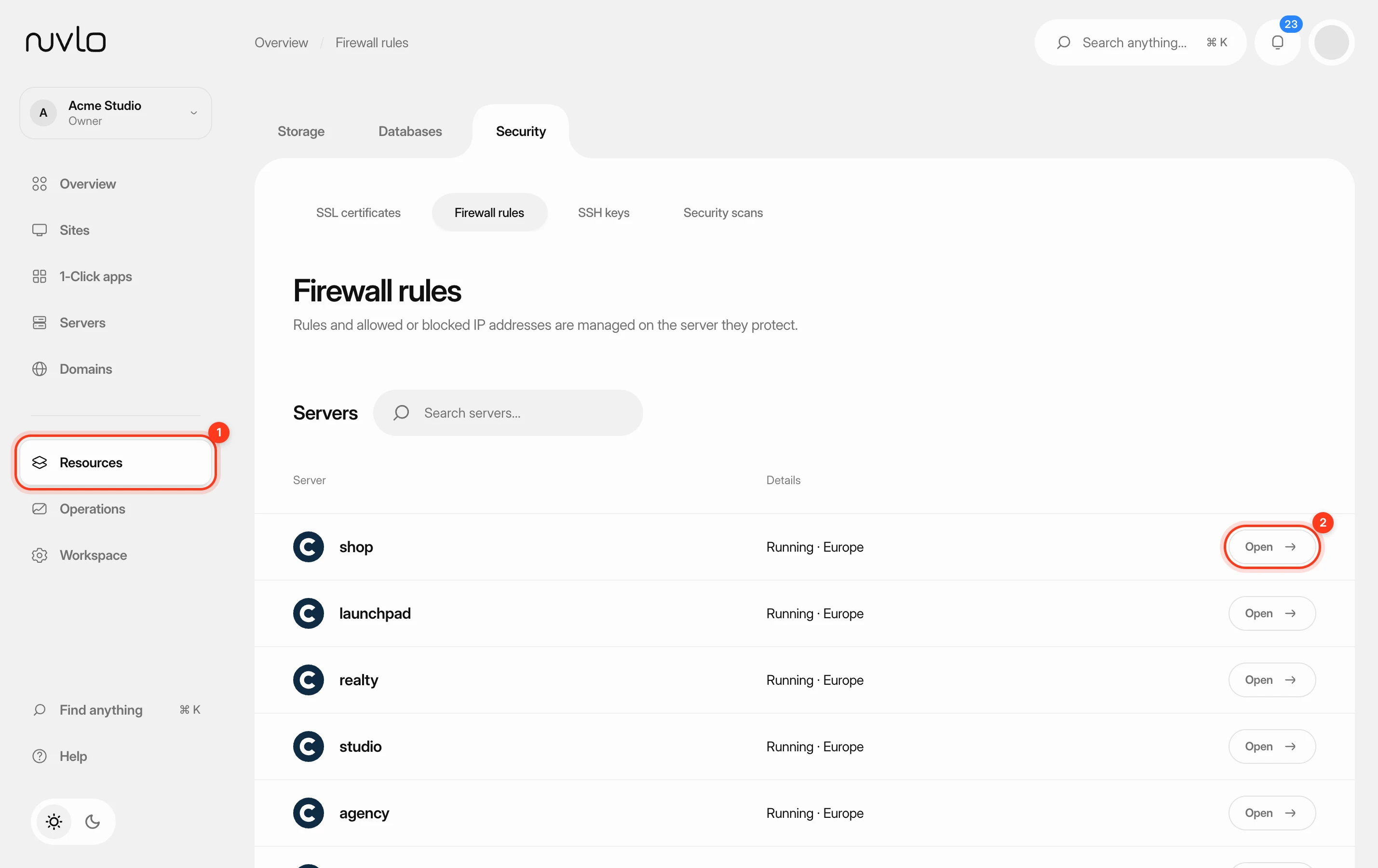 Set up firewall rulesTurn on the firewall of a server and decide which ports accept connections, and from which IP addresses. You can allow or block a port for everyone or for a single address or range.
 Sign in to WordPress admin with one clickOpen the WordPress dashboard of any of your sites from Nuvlo, already signed in as an administrator, without typing a password.