Open a terminal on your server
Run commands on your server as root, in your browser, without setting up SSH on your computer.
On this page
Before you start
- The owner or admin role in your Nuvlo account.
- A server with the status Running.
- Your Nuvlo password, or your authenticator app if you use two-factor authentication.
Step 1 Open the Services card
Open the server from Servers and click the Settings tab. Scroll to Services.
Step 2 Start the terminal
In the SSH terminal row, click Open terminal.
Step 3 Run your commands
The terminal window shows Connecting…, then a shell prompt. You are logged in as root, so every command runs with full rights.
ImportantRoot can change or delete anything on the server, including files Nuvlo needs to manage it. Double-check commands before you run them.
Step 4 Close or reconnect
Click Close when you're done. The session also ends after 15 minutes without input. If the session ended, click Connect again to open a new one.
Good to know
- Every terminal session is recorded in your account's activity log. See Events and activity.
- The terminal can only be opened from the dashboard, not with an API token.
- To use your own SSH client instead, add your key under SSH keys.
Related guides
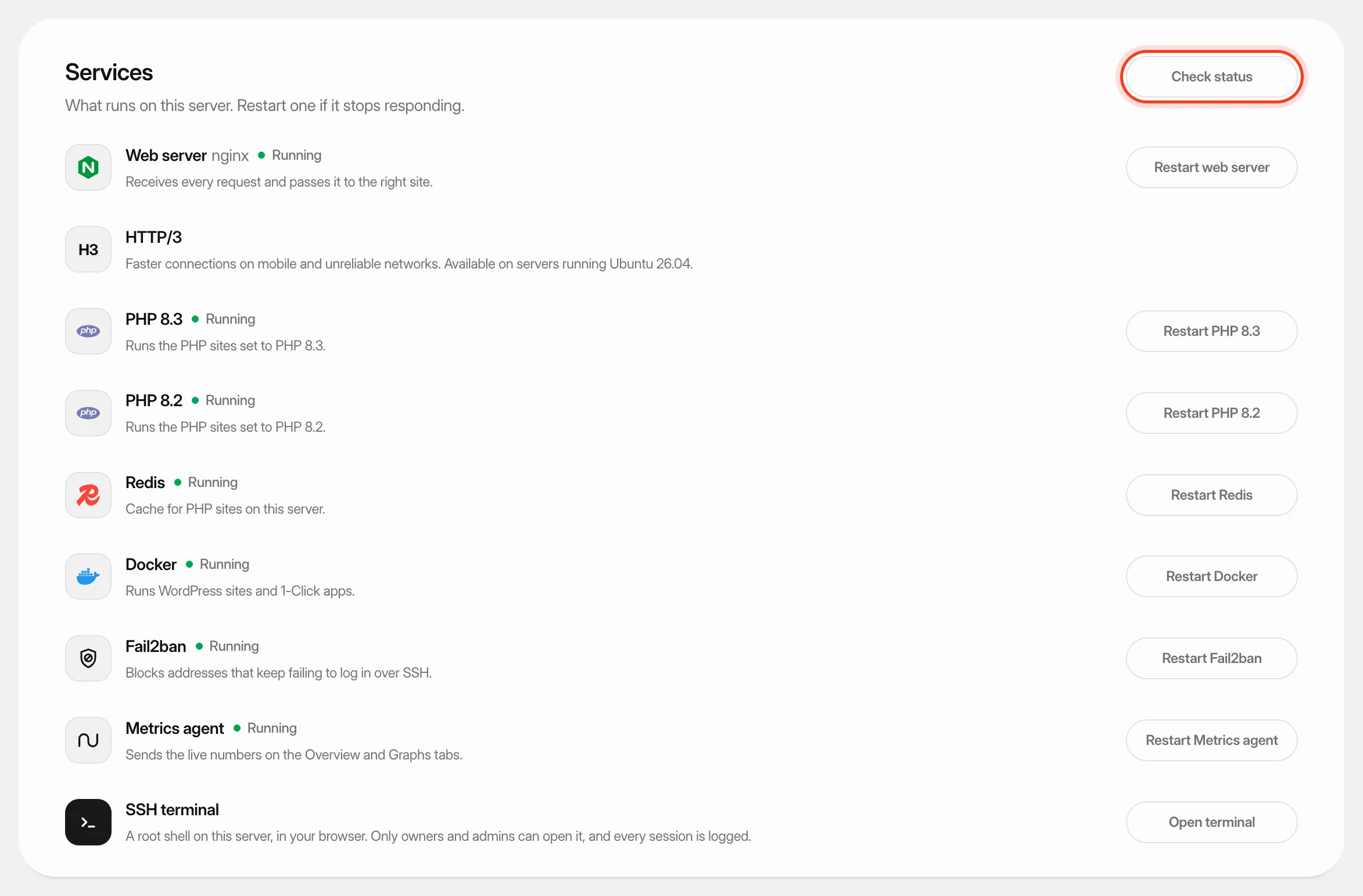 Check and restart server servicesSee which services run on your server, restart one that stopped responding, and turn HTTP/3 on or off.
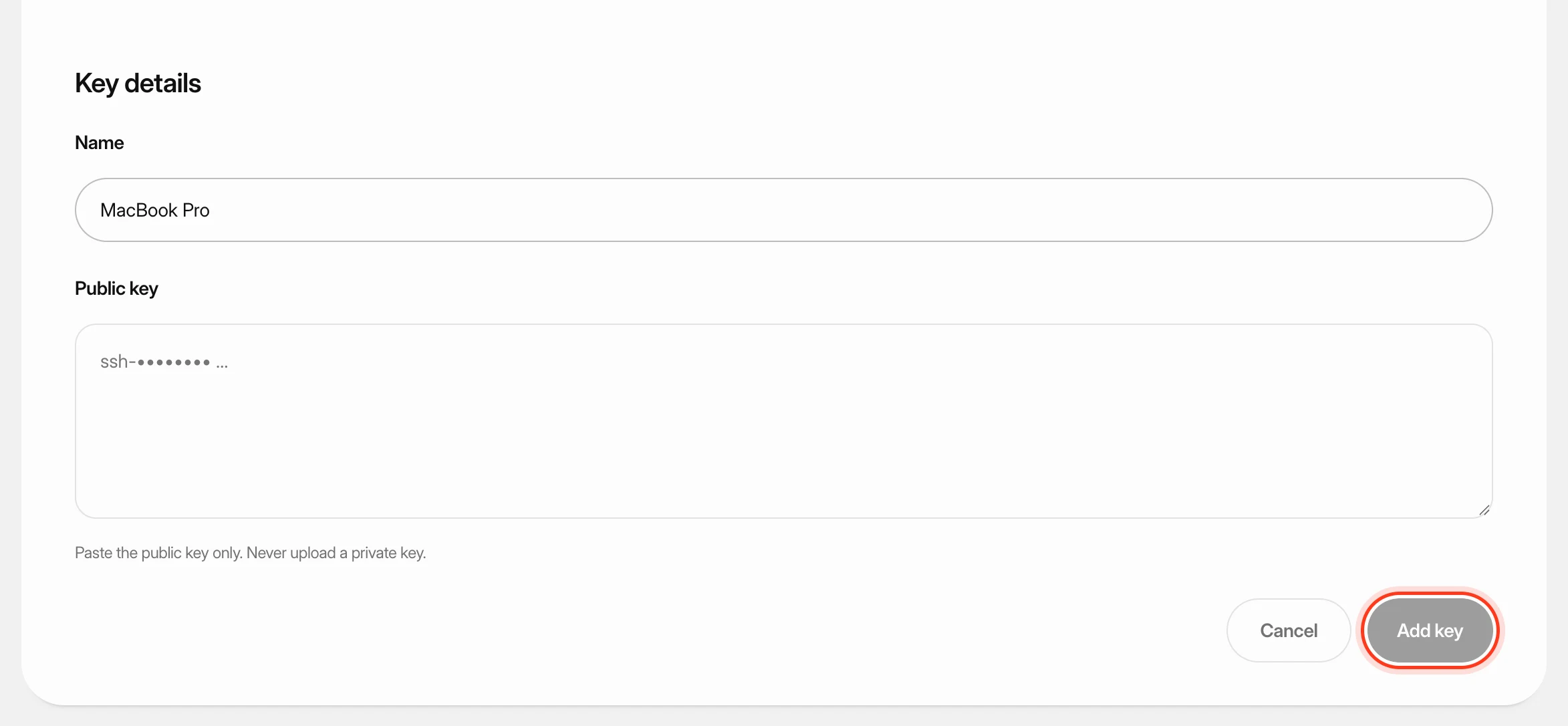 Add SSH keys to your serversSave your public SSH keys in Nuvlo and pick them when you create a server, so you can sign in to that server from your own computer. You'll also learn what happens when you delete a key.
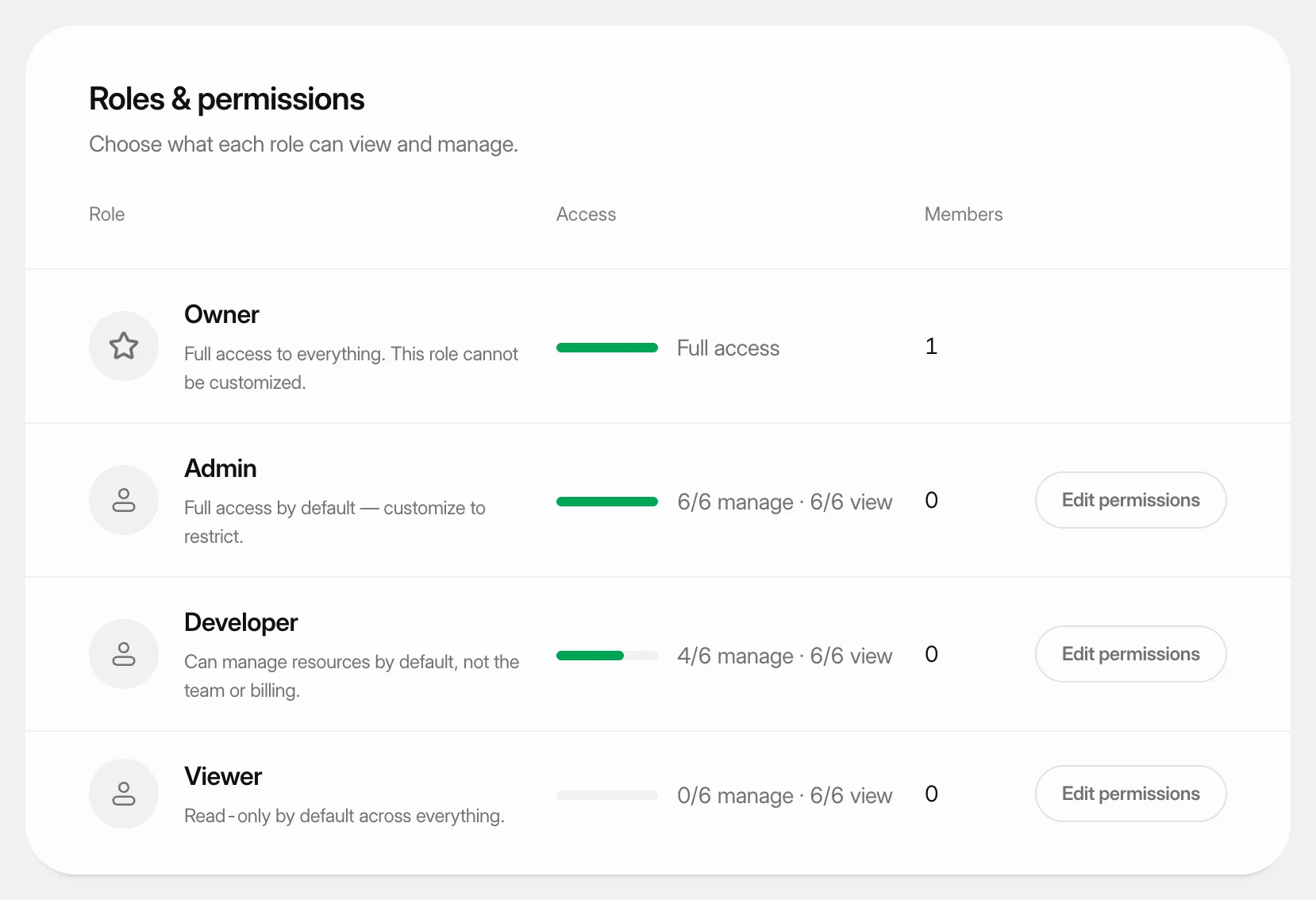 Set what each role can doUnderstand the four team roles and change what the Admin, Developer and Viewer roles may view and manage in your workspace.