
Check and restart server services
See which services run on your server, restart one that stopped responding, and turn HTTP/3 on or off.
On this page
Before you start
- A server with the status Running.
- Any role except viewer. Viewers can see the services but not restart them.
Step 1 Open the Services card
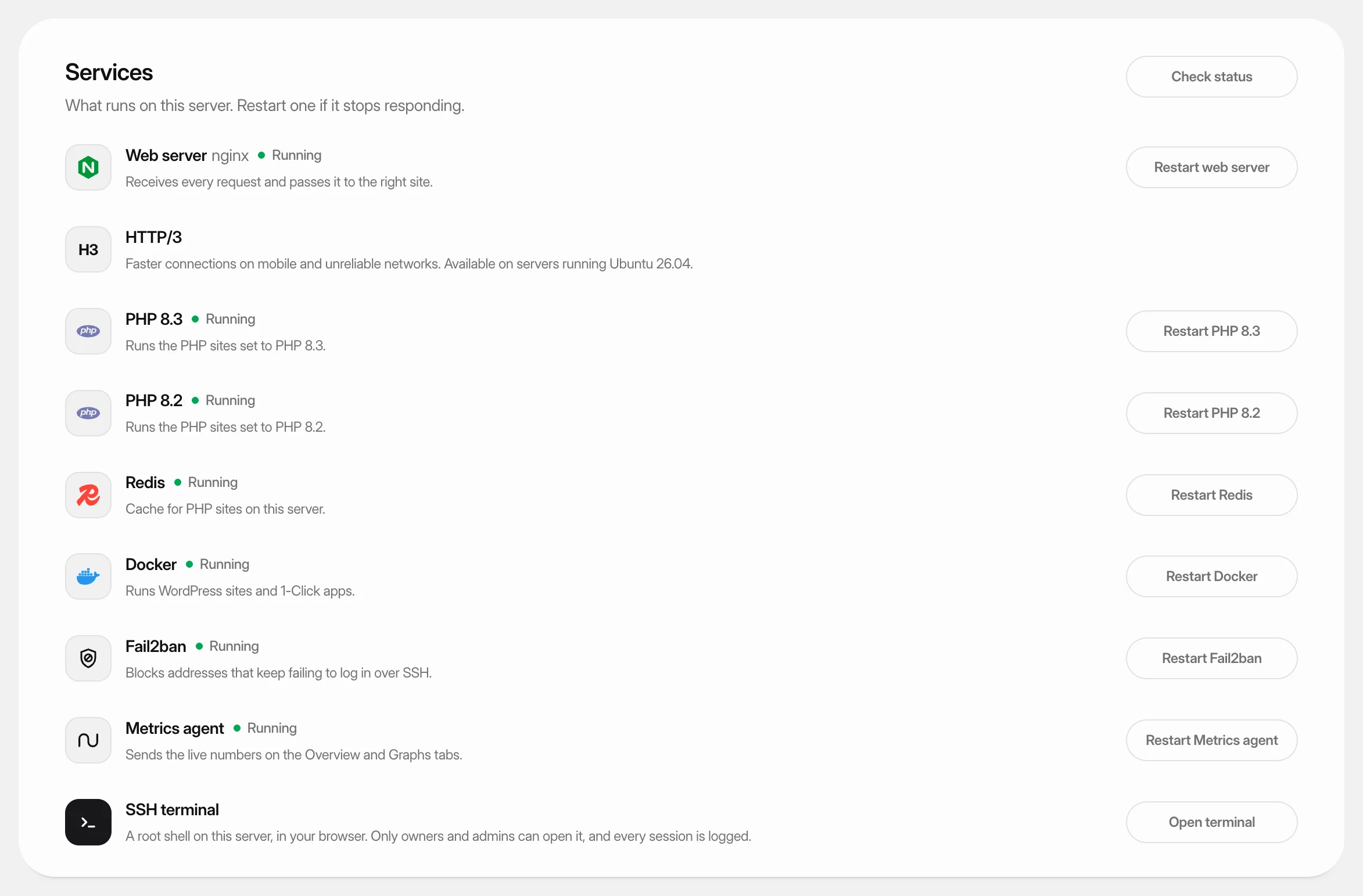
Open the server and click the Settings tab. The Services card lists what runs on the server and whether each service is Running, Starting, Stopped or Failed. Click Check status to read them again.
| Service | What it does |
|---|---|
| Web server (nginx) | Receives every request and passes it to the right site. |
| PHP 8.4 (one row per installed version) | Runs the PHP sites set to that version. |
| MySQL, MariaDB, PostgreSQL or MongoDB | The server's own database. WordPress sites use their own and aren't affected. |
| Redis | Cache for PHP sites on this server. |
| Docker | Runs WordPress sites and 1-Click apps. |
| Fail2ban | Blocks addresses that keep failing to log in over SSH. |
| Metrics agent | Sends the live numbers on the Overview and Graphs tabs. |
Only the services installed on your server are listed.
Step 2 Restart a service
Click the button next to the service, such as Restart Docker (or Start Docker if it's stopped). A dialog explains what visitors notice. Confirm to restart.
| Service | Effect of a restart |
|---|---|
| PHP | Sites on that PHP version show errors for a second or two. |
| Database | Sites that use it lose their database connection for a few seconds. |
| Redis | Sites that use it may be slower for a moment while the cache fills again. |
| Docker | Every container restarts with it, so WordPress sites and 1-Click apps are offline for up to a minute. On servers where containers keep running during a Docker restart, the dialog says so. |
| Fail2ban | Current bans are kept. |
| Metrics agent | Live numbers pause for a few seconds. |
Step 3 Restart the web server
Click Restart web server and confirm. Sites may drop requests for a second or two.
If the restart fails because another program is using ports 80 and 443, Free ports and restart appears. It stops whatever else uses those ports, then restarts the web server.
Step 4 Turn HTTP/3 on or off
HTTP/3 gives faster connections on mobile and unreliable networks. It is available on servers running Ubuntu 26.04.
Use the HTTP/3 switch and confirm. When on, every site on the server also answers over HTTP/3, including sites added later, and the firewall opens UDP port 443. Browsers without HTTP/3 keep using HTTP/2. Sites behind Cloudflare's proxy already get HTTP/3 from Cloudflare.
If services can't be checked
Services unavailable means Nuvlo couldn't connect to the server. Use Test connection under Maintenance on the same tab, see Server maintenance.
If a restart fails, the error output appears below the list. Use it to find the cause, or open the terminal.
Related guides
 Open a terminal on your serverRun commands on your server as root, in your browser, without setting up SSH on your computer.
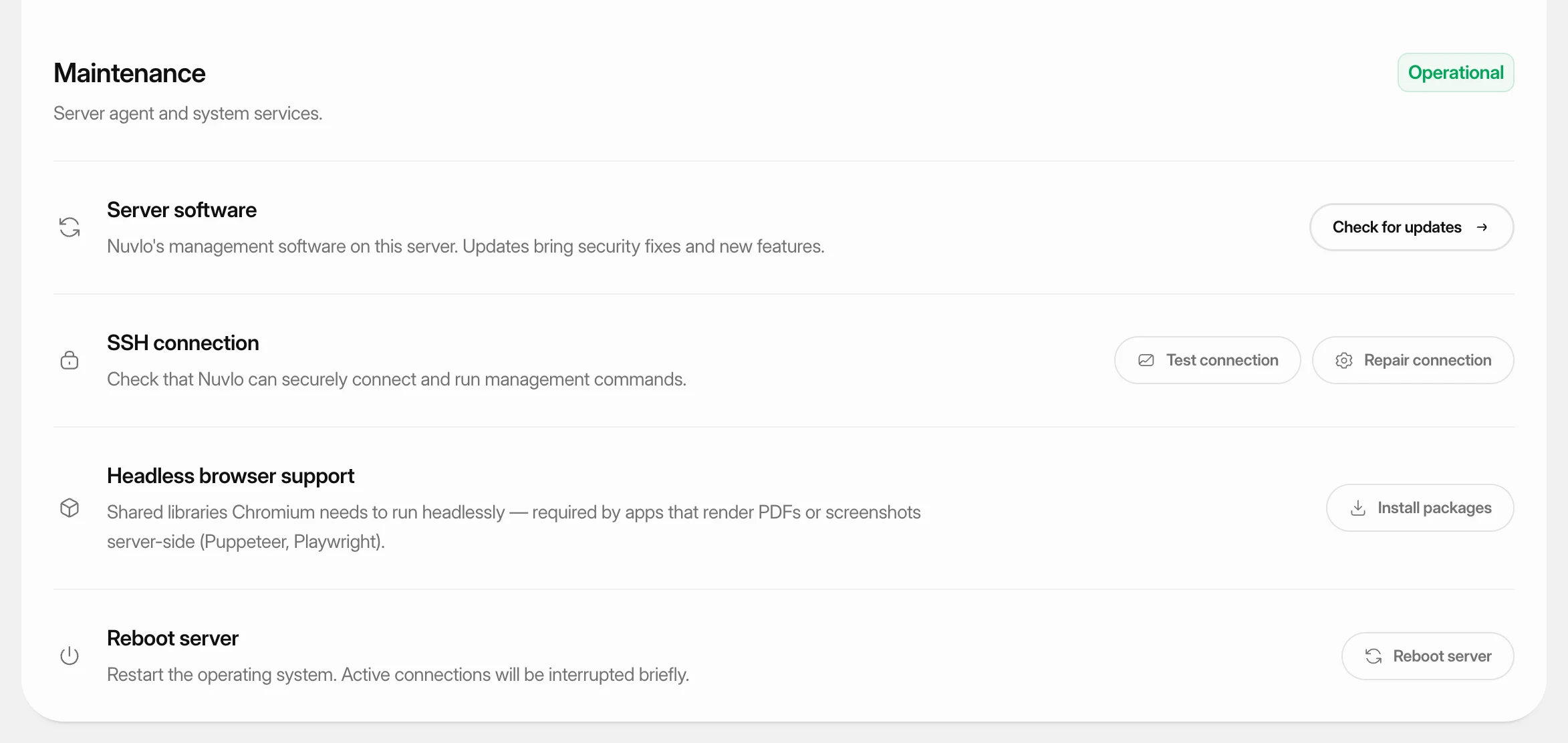 Test, repair and reboot a serverCheck that Nuvlo can still connect to a server, repair the connection, install extra system packages, and reboot the server safely.
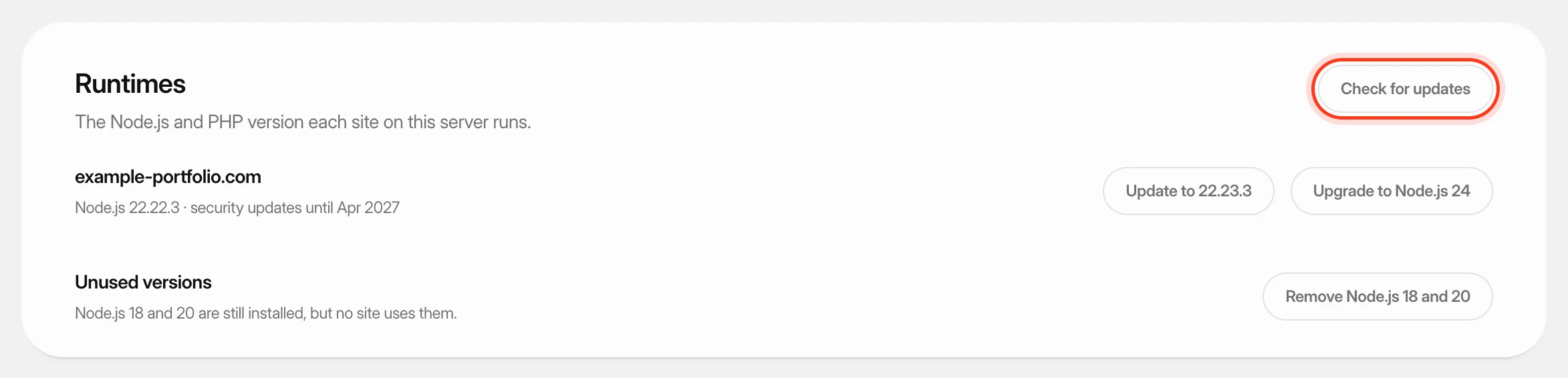 Update PHP and Node.js versionsSee which PHP or Node.js version each site on a server runs, apply security updates, and upgrade sites to a newer version after a compatibility check.