


Run WordPress scheduled tasks
See the tasks WordPress has scheduled, when they run next, and run the due ones right away.
Before you start
- A running WordPress site in Nuvlo.
Step 1 Open Scheduled tasks
Open the site and click Settings. The Scheduled tasks card lists each task with Next run and Repeats. Click Show all … tasks to see the full list.
Step 2 Run due tasks now
Click Run due tasks now to run every task that is due right now, for example after a plugin says its jobs are late.
How tasks run
Nuvlo runs WordPress’s due tasks every five minutes, on the server, instead of on visitors’ page loads. That’s why DISABLE_WP_CRON is managed by Nuvlo in wp-config.php.
For your own commands on a schedule, see Cron jobs.
Related guides
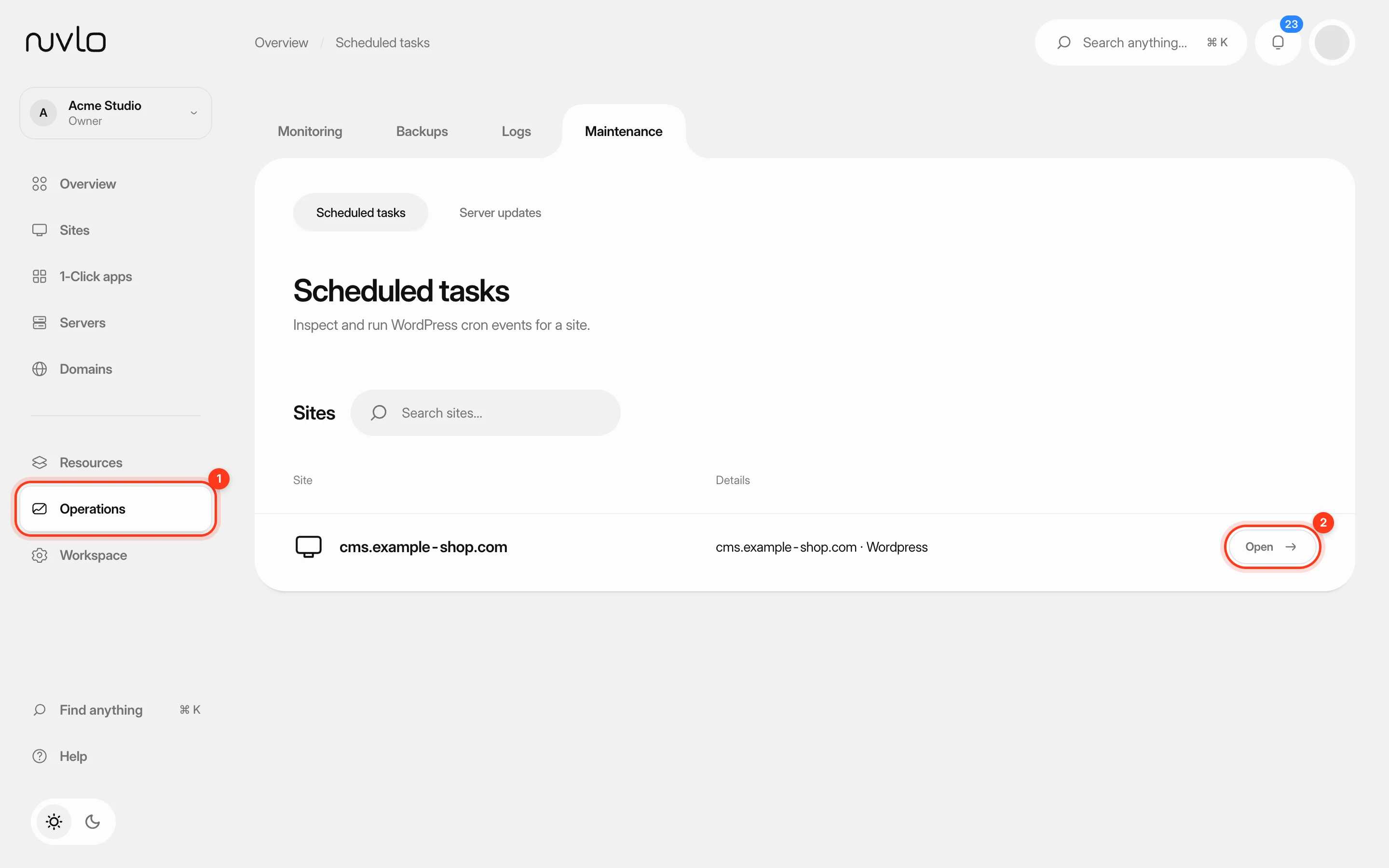 Run scheduled tasks and cron jobsSee which scheduled tasks a WordPress site has, run the ones that are due, and set up cron jobs for PHP sites.
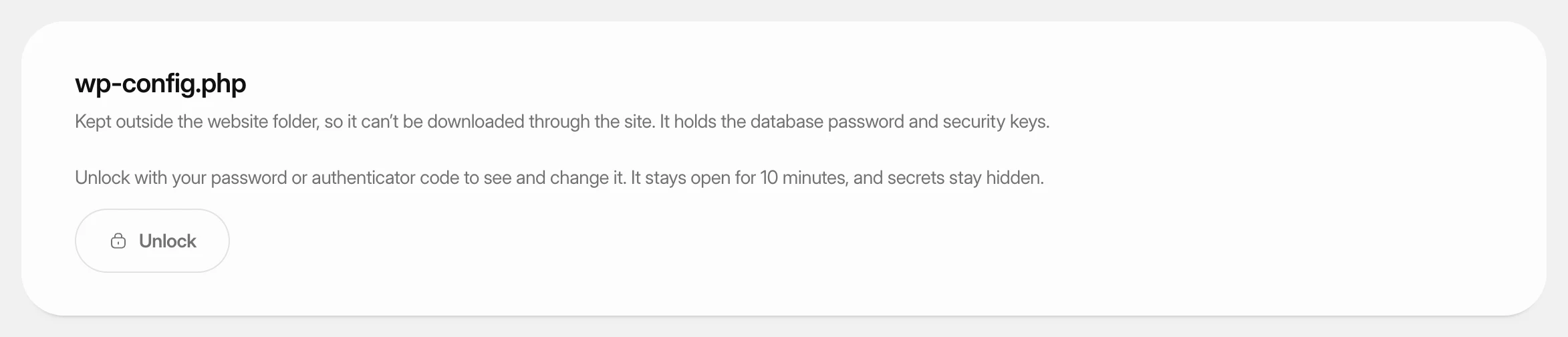 Change wp-config.php settingsView and change the settings in a WordPress site’s wp-config.php from the dashboard, and add your own constants, without touching the file by hand.
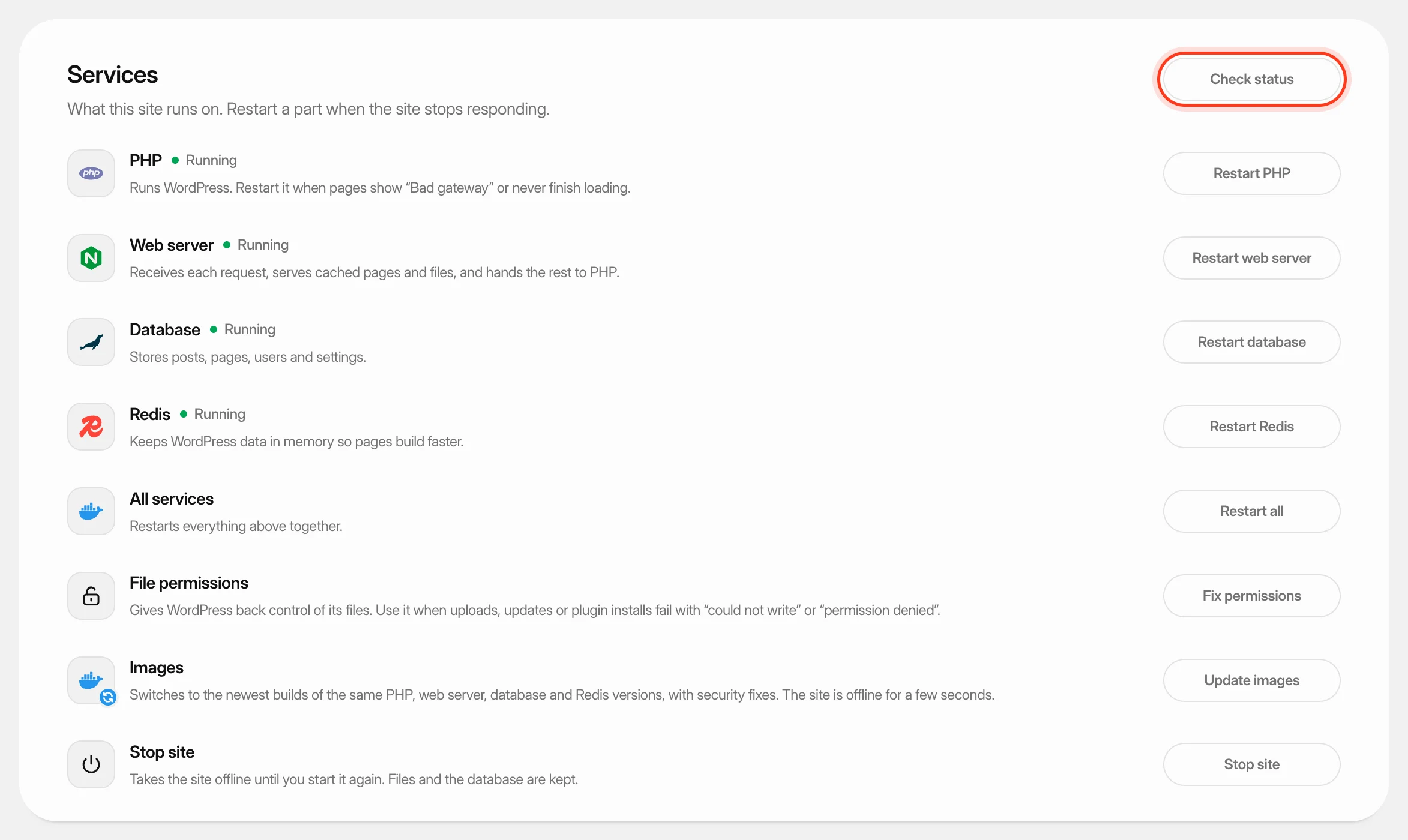 Restart a WordPress site’s servicesCheck the parts a WordPress site runs on, restart PHP, the web server, the database or Redis, fix file permissions, update their images, and stop or start the site.