Get reminders before provider bills
See when each cloud provider bills you next and get an email before it happens, so a server never stops over a missed payment.
On this page
Before you start
- At least one server at a connected provider. New bills appear within an hour of adding a server.
- To turn reminders on or off: the Owner role. Reminders go to the owner's email.
Step 1 Open your upcoming bills
Open Billing and choose Provider bills in the menu on the left. Upcoming provider bills lists the next bill for each provider account or contract, with the date, the estimated amount and the reminder status.
| Bill | What it shows |
|---|---|
| Contract renewal (Contabo) | One row per server, with the contract term and the renewal date. The amount is Estimated. |
| Monthly bill (Hetzner, DigitalOcean, Vultr, Linode, AWS, Google Cloud, OVHcloud, Scaleway, Exoscale) | One row per provider account, for the month or months it covers. From … usage means the amount came from the provider itself; otherwise it is Estimated. Around before a date means the provider bills within a range of days. |
| Prepaid credit (UpCloud) | How much credit is left, about how much is used a day, and when it Runs out around a date. |
Step 2 Read the reminder status
The Reminders column shows dots for the reminders already sent and the date of the next one, for example Next and a date. Other states tell you what Nuvlo sees:
- Covered by credit: your prepaid credit at the provider pays this bill.
- Reminders off: reminders for this kind of bill are turned off.
- Waiting for Contabo to confirm payment: the renewal date has passed and Contabo has not marked it paid yet. Nuvlo keeps reminding you every few days.
- An amount followed by unpaid at the provider: the provider still shows an open balance.
- Credit has run out: top up your prepaid credit at the provider. UpCloud shuts all servers down when the credit runs out.
- Marked paid, Renewed, Billed, Not renewing or Topped up: the bill is closed.
Step 3 Mark a Contabo renewal as paid
When you have paid a Contabo renewal early, click Mark as paid on its row. Nuvlo stops sending reminders for that bill. Click Undo to turn them back on before the due date.
Reminder emails have the same Mark as paid button. It opens Billing with that bill highlighted. Only the account owner or an admin can mark bills paid.
Step 4 Choose which reminders you get
Below the table, two switches control the emails:
- Contract renewals: emails four, three, two and one week before a Contabo contract renews, until it is paid. Short contracts of one or two months get one email a week before.
- Monthly bills and prepaid credit: one email a week before a monthly bill, and weekly emails in the four weeks before UpCloud credit runs out.
Other team members see the switches but cannot change them. Reminders also appear in your Nuvlo notifications.
Step 5 Set your Hetzner billing day
Hetzner bills each account on its own day of the month, which only Hetzner shows you. Look it up under Invoices in your Hetzner account (the link is in the setting), then pick it in Hetzner billing day. With several Hetzner accounts, each has its own menu.
Until you set it, Nuvlo assumes the 1st of the month and shows the date as approximate, starting with Around.
Related guides
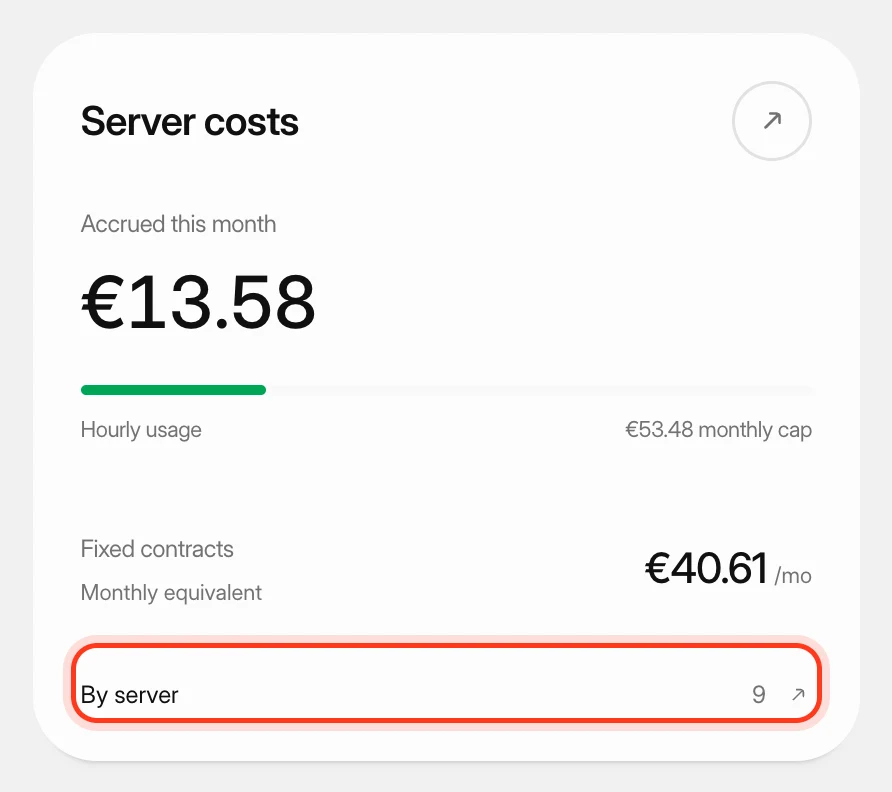 Track what your servers costSee what your servers cost at your cloud providers this month and in past months, apart from what you pay Nuvlo.
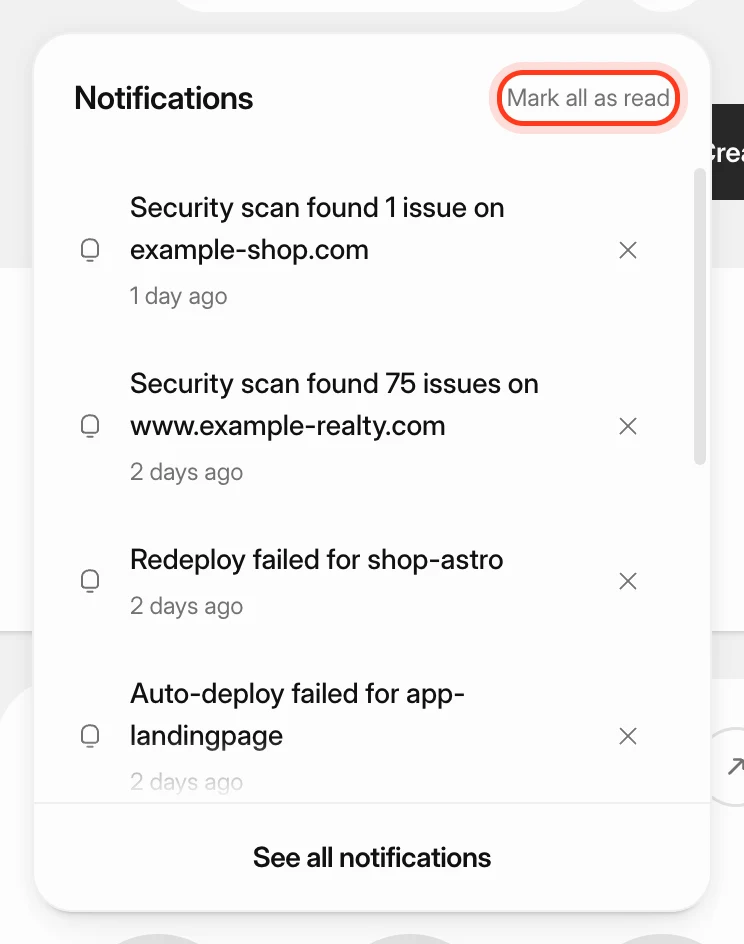 Manage notificationsKeep track of finished deploys, new servers, scan results and failures with the notification bell and the Notifications page, and send alerts to Slack, Discord, Microsoft Teams, Telegram, a webhook or email.
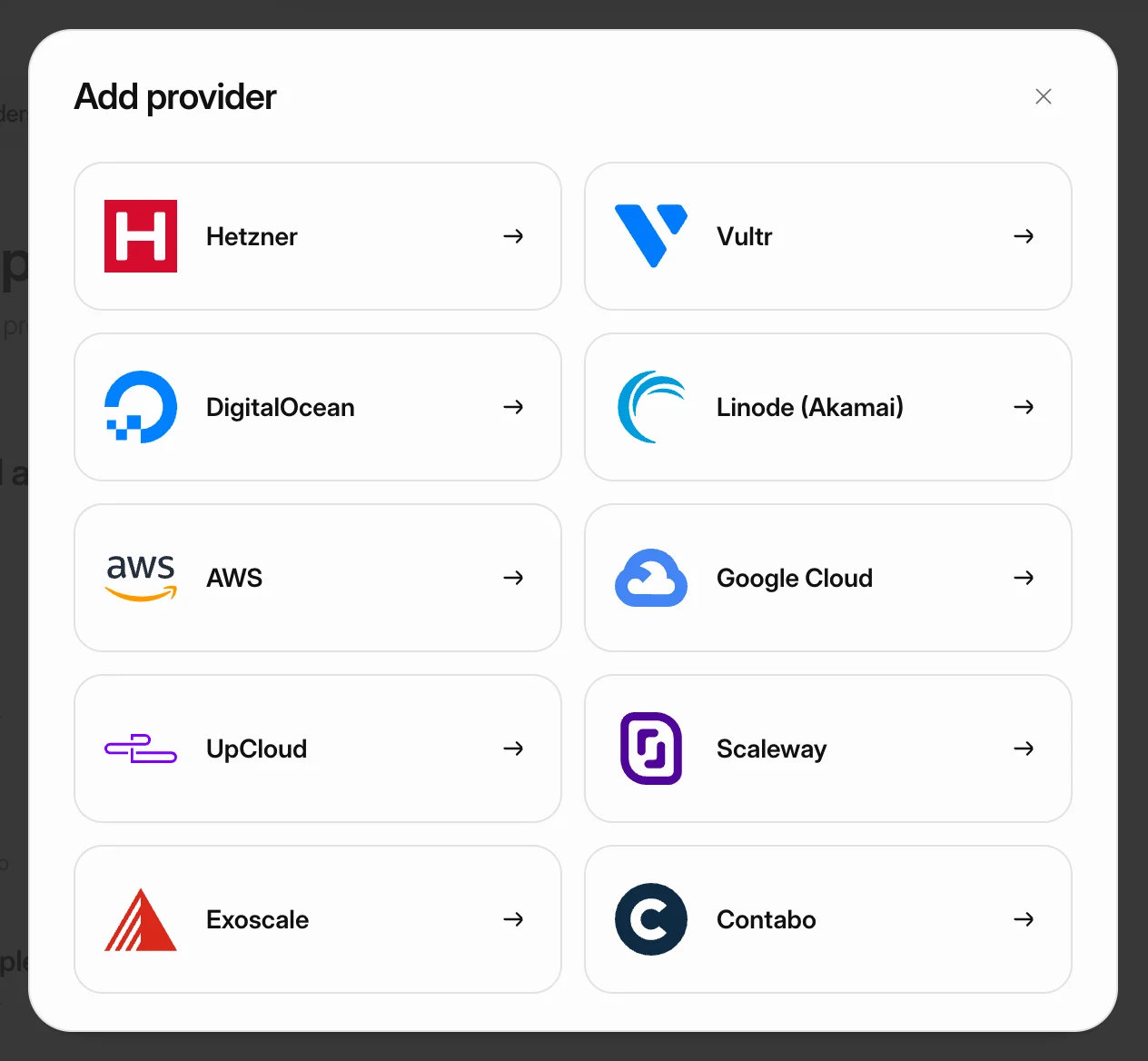 Connect your Contabo accountConnect Contabo with its four API credentials, choose a contract term, and order your first Cloud VPS or Cloud VDS from Nuvlo.
 Connect your Hetzner accountCreate a Read & Write API token in the Hetzner Console, connect it to Nuvlo, and create your first Hetzner server.