Choose or change your plan
Pick the Nuvlo plan that fits how many servers, sites and team members you run, subscribe to it, and move up or down later.
On this page
Before you start
- A Nuvlo account with a confirmed email address.
- The Owner or Admin role on the account. Members can see the plan but cannot buy or change it.
What you pay for
Nuvlo costs have two parts. Your cloud provider bills you directly for each server, at its normal price. Nuvlo charges a monthly plan for the software that sets up and runs those servers.
Every plan includes every feature. Plans differ only in how many servers, sites and team members you can have, and in how many AI answers you get each month.
| Plan | Price per month | Servers | Sites and apps | Team members | AI answers a month |
|---|---|---|---|---|---|
| Free | €0 | 1 | 3 | 1 | None, use your own key |
| Starter | €12 | 10 | Unlimited | 1 | 50 |
| Pro | €29 | Unlimited | Unlimited | 5 | 150 |
| Agency | €69 | Unlimited | Unlimited | Unlimited | 300 |
Prices include VAT and are billed monthly. Team members include you, the account owner. The Free plan has no time limit and needs no card.
If you subscribed when a plan cost less, you keep paying the price you started at.
Step 1 Open your plan
Open Billing in the sidebar. The Nuvlo plan card shows how much of each limit you use, and a tile for every plan with its price and limits. Your current plan is marked Current.
Step 2 Subscribe to a paid plan
On the Free plan, click Upgrade on the plan you want. A checkout opens in the dashboard, titled for example Subscribe to Pro.
- Enter your name and billing address. VAT is worked out from the address.
- If you buy for a company, check I'm buying for a business, enter the Business name and VAT ID, and click Add VAT ID. See Invoices and payment details.
- Enter your card details.
- If you buy as a consumer, check Start my plan right away. The plan cannot start without it. You can still withdraw within 14 days.
Click Pay (the button shows the total, for example Pay €29.00 and subscribe). When the payment clears, Nuvlo shows You are on Pro now and the new limits apply.
You can also start from the pricing page: Choose Starter, Choose Pro or Choose Agency takes you to the same checkout. Without an account, you sign up first and the checkout opens after you confirm your email.
Step 3 Upgrade to a bigger plan
With a paid plan, click Upgrade on a bigger plan. The Switch to … dialog shows the new monthly price.
Click Upgrade and pay the difference. Your card is charged the difference for the rest of the current period right away, and the new limits apply as soon as that charge succeeds.
Step 4 Downgrade to a smaller plan
Click Downgrade on a smaller paid plan, then confirm with Downgrade to … on and the date. Your current plan stays active until the end of the period you paid for. After that, you pay the smaller price and its limits apply.
A downgrade is only possible when everything you use fits the smaller plan. If it does not, the button is greyed out. Hover over it to see why, for example You use 12 servers. Starter includes 10. Delete servers, sites or team members first, then try again.
Step 5 Undo a scheduled change
While a downgrade or cancellation is waiting for the end of the period, the card subtitle says so, for example Switches to Starter on a date, or Ends a date. To stay on your current plan, click Keep Pro (or your plan's name) on its tile and confirm. Nothing is charged.
Good to know
- Manage billing in the top right of the plan card opens a secure Stripe page where you change your card, billing address and VAT ID. Plan changes are made only on the Billing page.
- To stop paying, switch to Free. See Cancel your plan or withdraw from a purchase.
- A lifetime license is a one-time alternative to a monthly plan. See Buy a lifetime license.
- If a payment fails, the plan card shows Payment failed and your limits fall back to Free until the payment goes through. See Stay within your plan limits.
Related guides
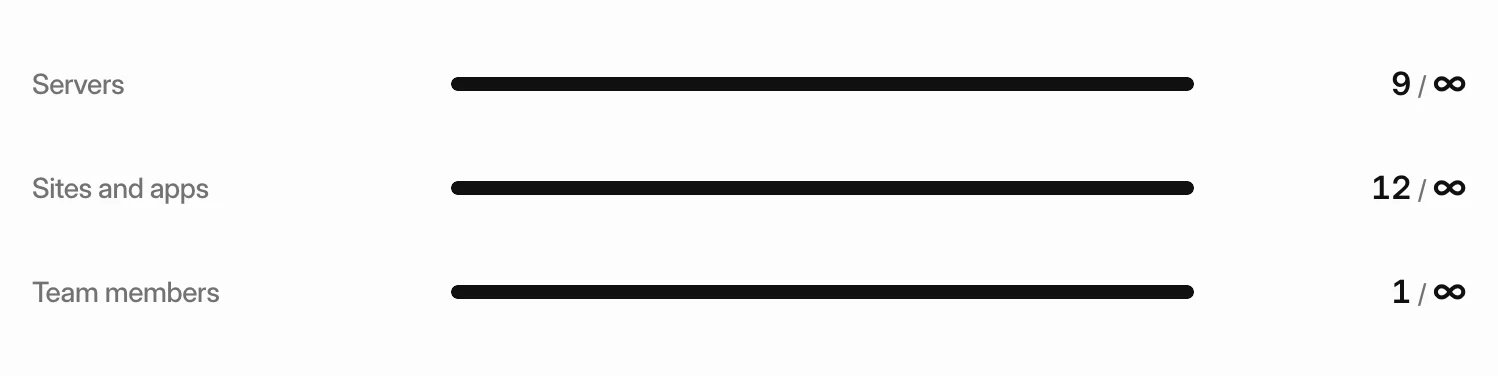 Stay within your plan limitsSee how much of your plan you use, what happens when you reach a limit, and how to choose what stays active if your account goes over.
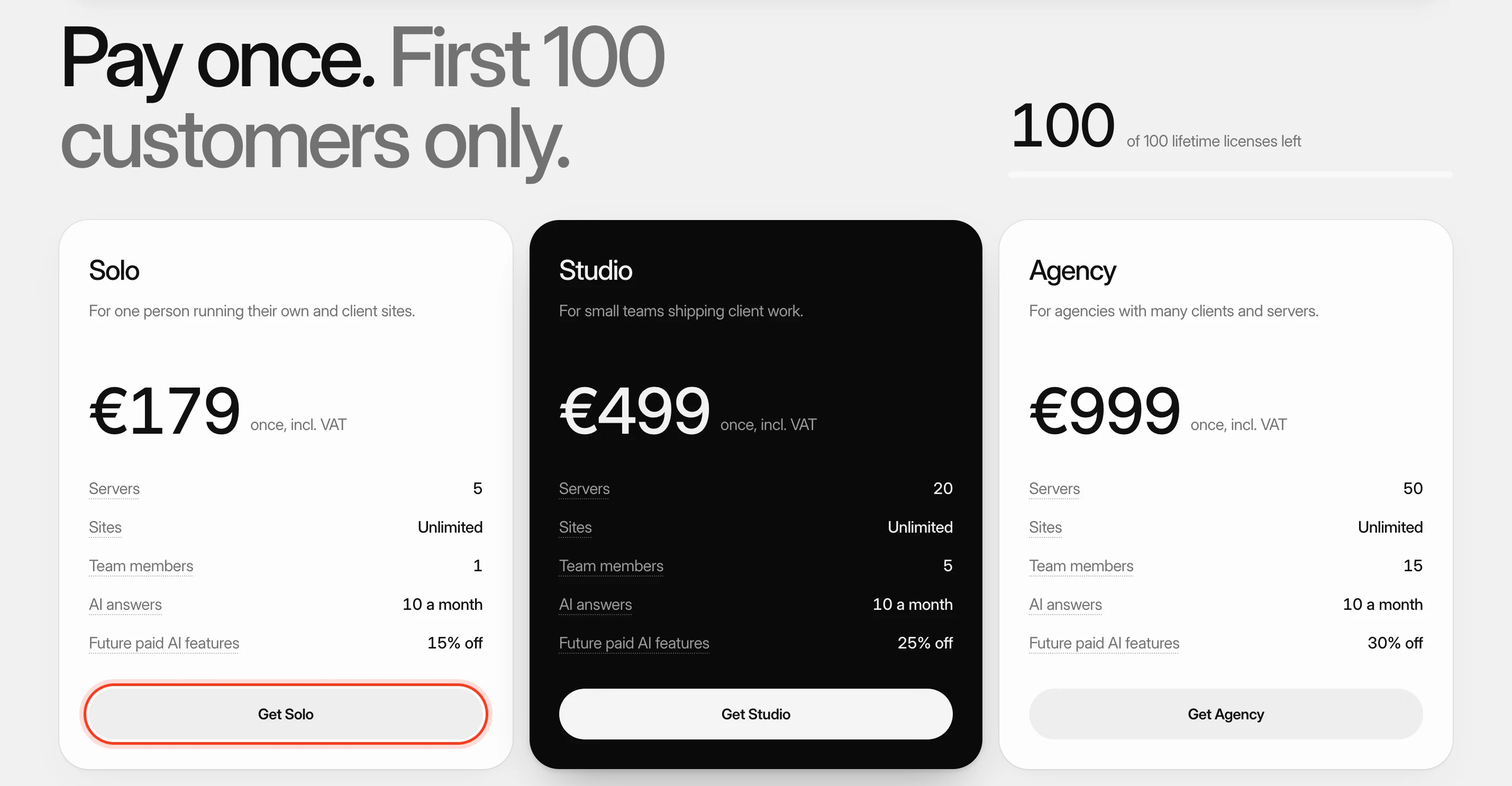 Buy a lifetime licensePay once instead of monthly and keep a fixed set of limits for as long as Nuvlo runs. Licenses stack when you need more.
 Get invoices and update payment detailsDownload the invoices Nuvlo sends you, pay an open one, and change the card, billing address or VAT ID they are issued to.
- Cancel your plan or withdraw from a purchaseStop your monthly plan at the end of the period, or withdraw from a recent purchase and get your money back where the refund policy allows it.